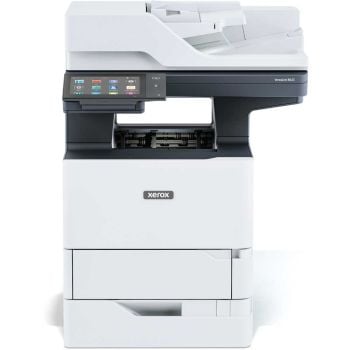
Benefits of NFC-Enabled Printers
• Quick, cable-free printing – Tap to print on your mobile device with no pairing or setup
• No Wi-Fi or drivers needed – Great for mobile or bring-your-own-device (BYOD) offices or guest environments
• Secure – Printing only starts after a verified tap
• Workflow-Friendly – Ideal for retail, field service, logistics and shared offices
• Multiple Users Supported – Anyone with an NFC-enabled device can print, without security risks.
Explore our Bluetooth printers for even more mobile-friendly options.
Popular NFC Printer Brands
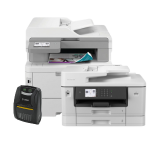
Looking for an NFC laser printer or an NFC printing machine for business use? We stock a variety of NFC printers from leading brands. Here’s what they’re known for:
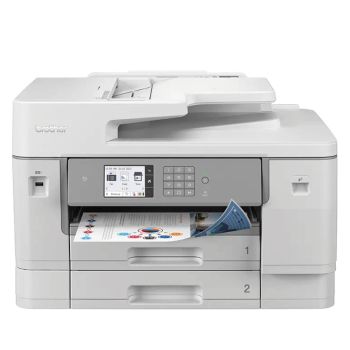
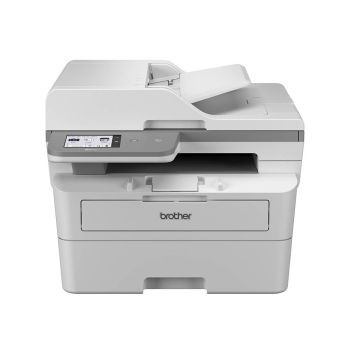
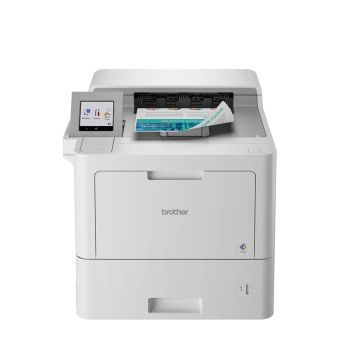
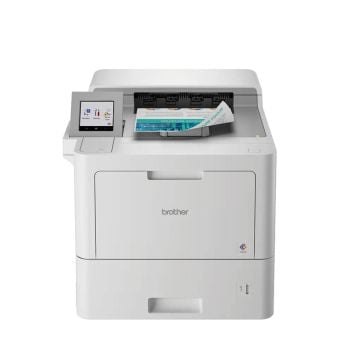
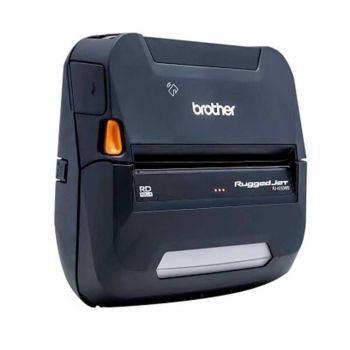
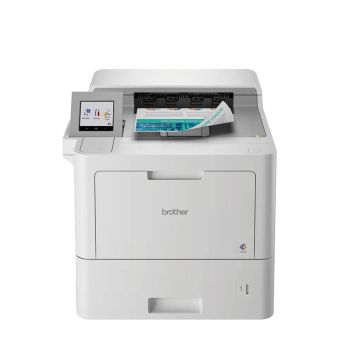
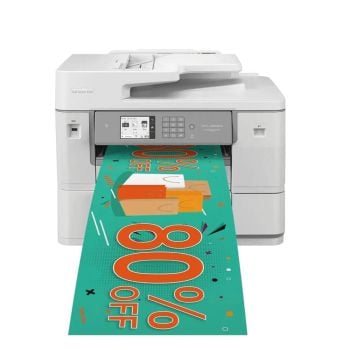
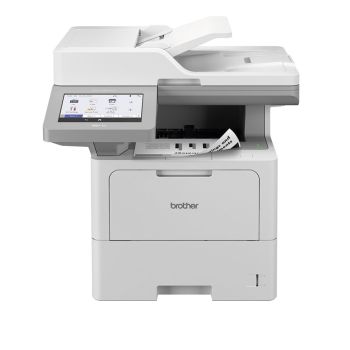
• Brother NFC Printers – Robust all-in-one laser printers with built-in NFC
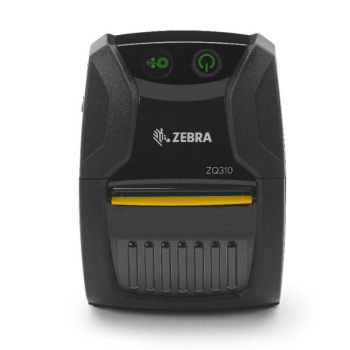
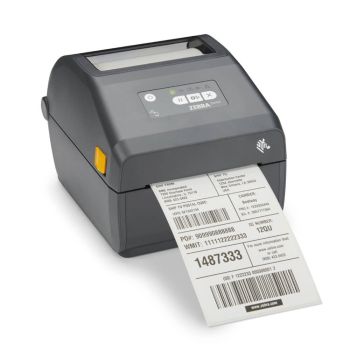
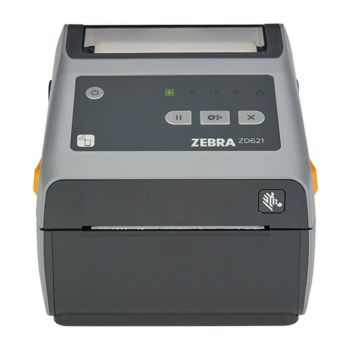
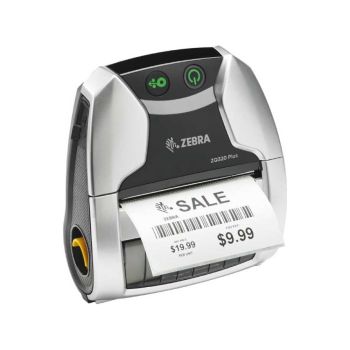
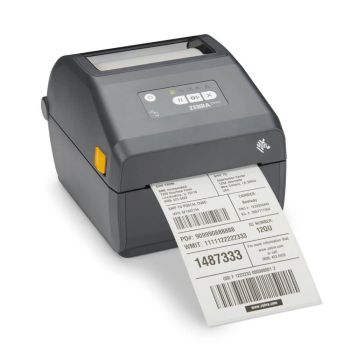
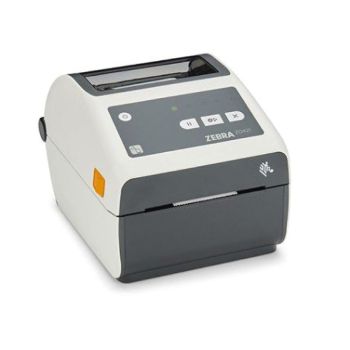
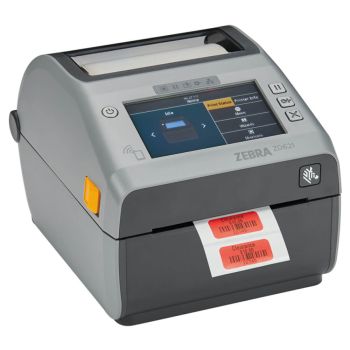
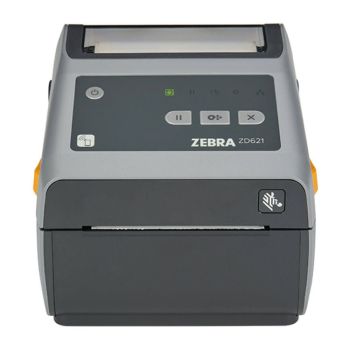
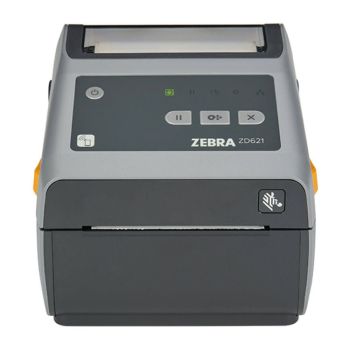
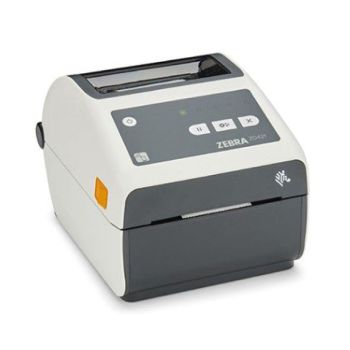
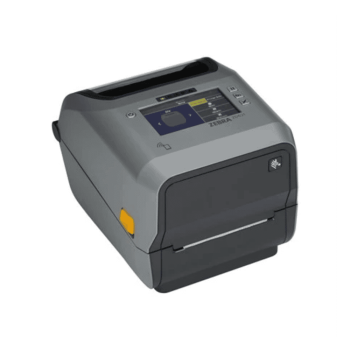
• Zebra NFC Printers – Ideal for portable and industrial label printing
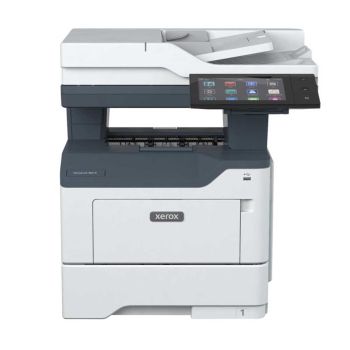
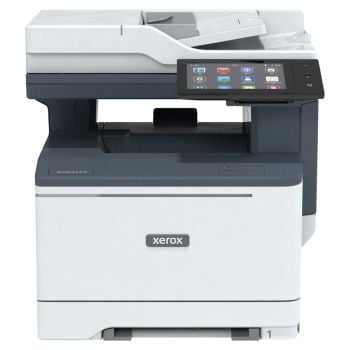
• Xerox NFC Printers – Great for high-volume business environments with secure mobile access
Frequently Asked Questions
NFC (Near Field Communication) is a printing method that allows you to print by tapping an NFC-enabled device, such as a smartphone or tablet, against an NFC-enabled printer. It provides a quick, secure and hassle-free way to establish a wireless connection without needing Wi-Fi or Bluetooth setup.
Your NFC-enabled device establishes a short-range connection with the printer. Once tapped, it sends the print job instantly, without needing to connect to a network or enter login details.
NFC is a wireless technology that allows your smartphone or tablet to connect directly to the printer just by tapping it. No internet connection or Bluetooth pairing is required. Read our blog post to learn what NFC printing is.
No, NFC printing does not require an internet connection. It uses direct wireless communication between the printer and your mobile device.
Most brands offer a free app, such as Brother iPrint&Scan or Xerox Workplace, to enable NFC printing and use additional features. Ensure NFC is enabled in your phone's or mobile device's settings.
Android supports NFC printing. iPhones do not support NFC for printing, but Apple AirPrint can be used for wireless printing from iOS devices.
NFC creates an instant connection with a single tap, but Bluetooth requires pairing and may take longer to connect. NFC is ideal for quick, one-to-one printing; Bluetooth works better for ongoing connections.
Yes, very secure. With NFC printing, the printing starts only after your device taps the printer, reducing risks from shared networks. Some printers even offer tap-to-authenticate as a PIN-free security method.
Many manufacturers offer NFC-enabled printers, including Brother, Zebra, Xerox, Canon and Epson. Models vary by use case, from mobile to multifunction laser printers.
Check that NFC is enabled on your device, and ensure your printer supports NFC. Restart both devices and make sure you’re tapping the connect NFC reader spot on the printer.
Yes, depending on the printer's app. Most brand apps support cloud services like Dropbox, Google Drive and OneDrive.
Some printers allow NFC tap-to-scan or tap-to-copy features, but this varies by model. Check the product details or specifications for confirmation.
Yes. NFC-enabled printers can support multiple users. Each person simply taps their NFC-enabled device to the printer to initiate printing securely.