





Thumbs up icon

Rated 4.8 out of 5 on Trustpilot

Headset icon

Need help or advice? Call 0161 308 5800

Offline mode
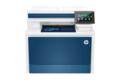
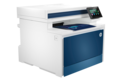
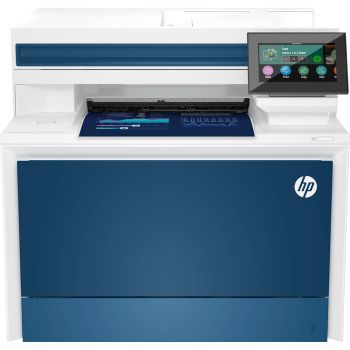
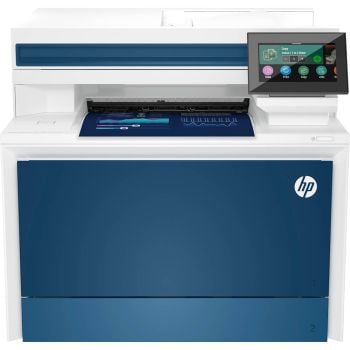
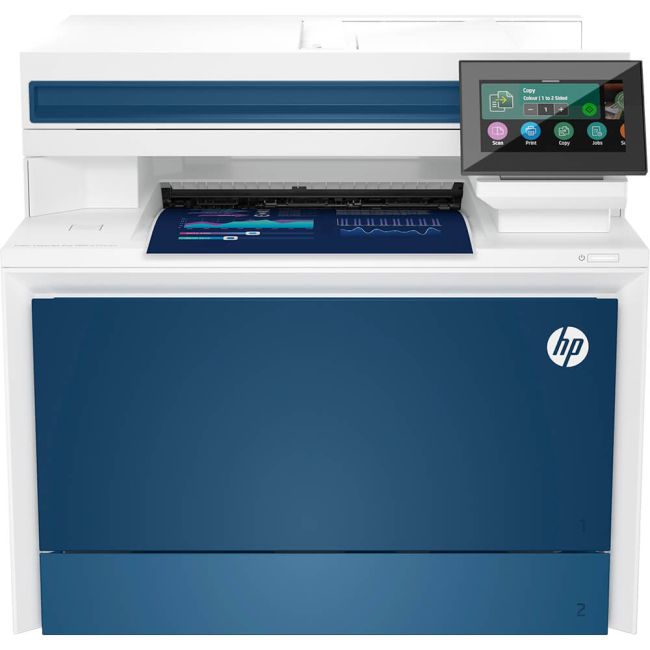
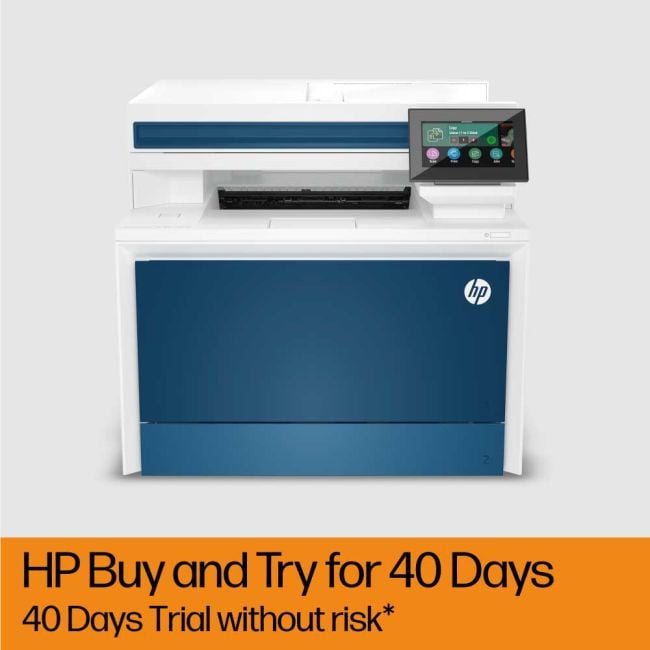
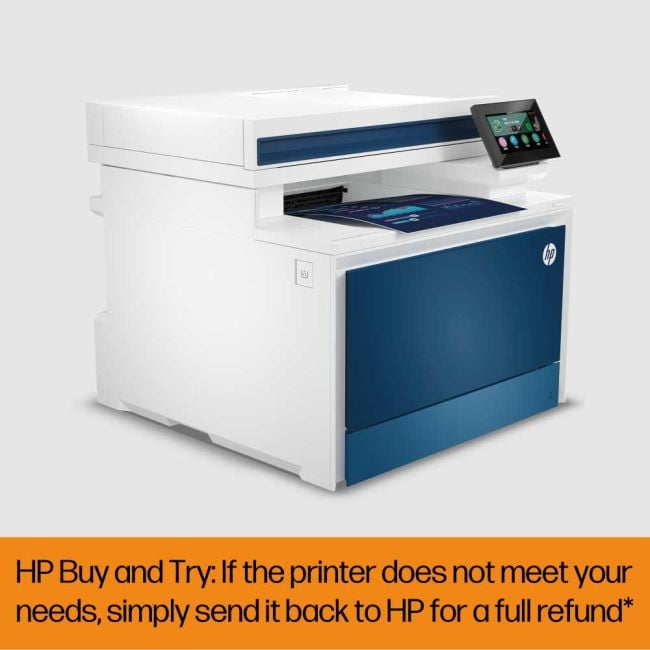
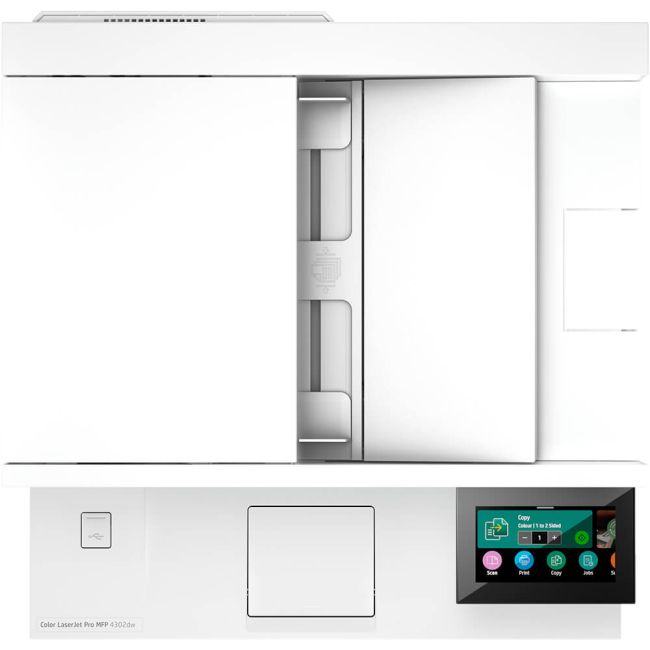
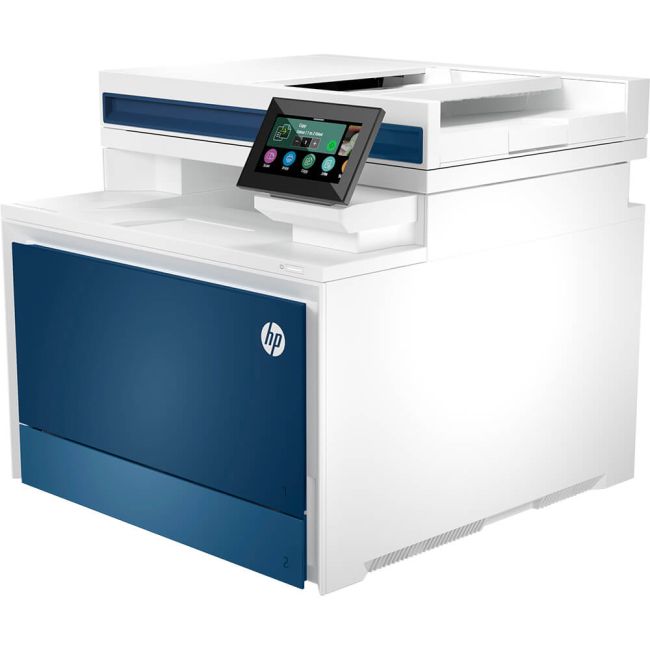
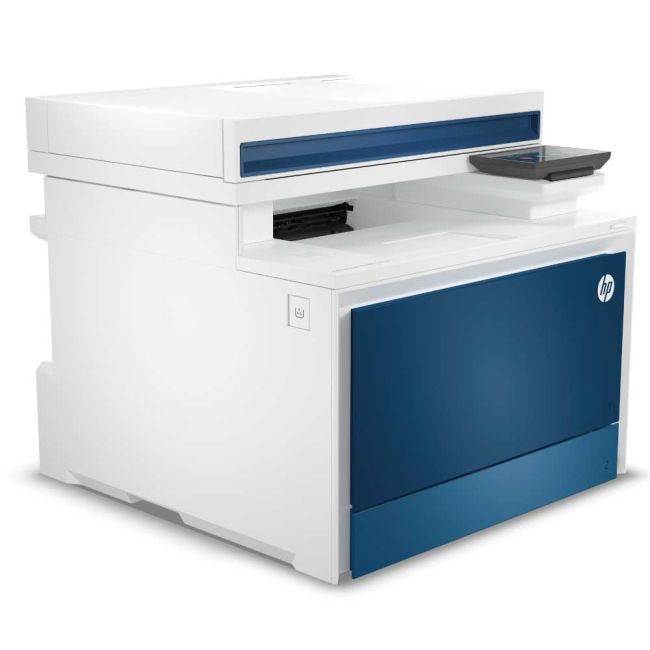
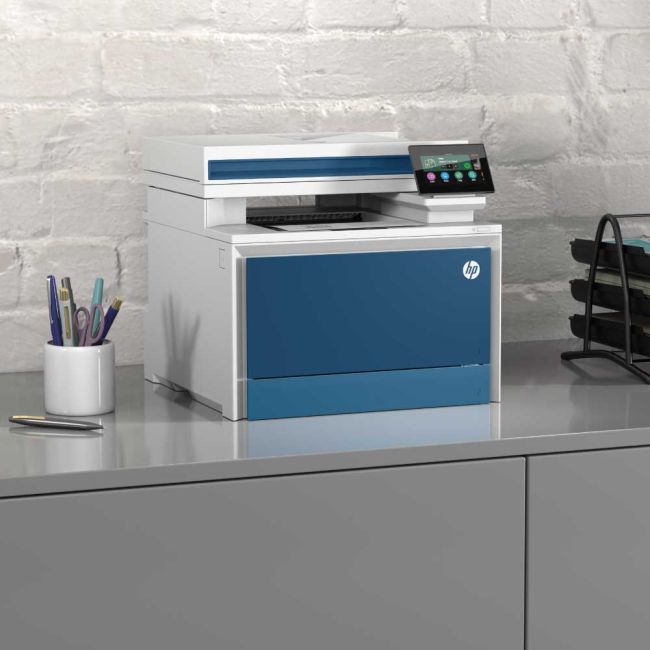
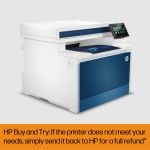
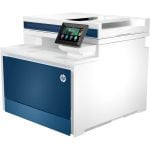
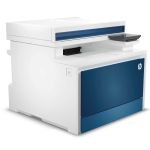
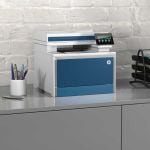
HP LaserJet Pro MFP 4302dw A4 Colour Multifunction Laser Printer

HP LaserJet Pro MFP 4302dw A4 Colour Multifunction Laser Printer

Part No: 4RA83F

Promotions

Free 3 Year Warranty
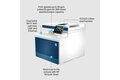

  • Print / Scan / Copy
  • 600 x 600 DPI Print Resolution
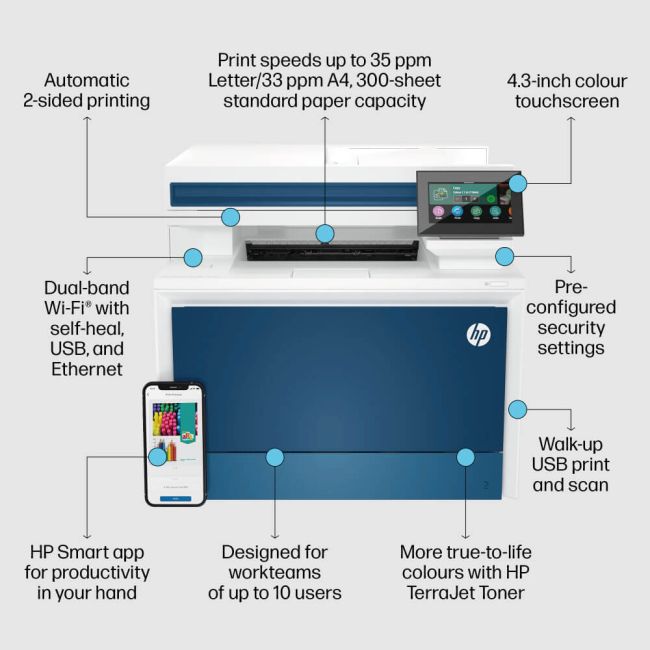
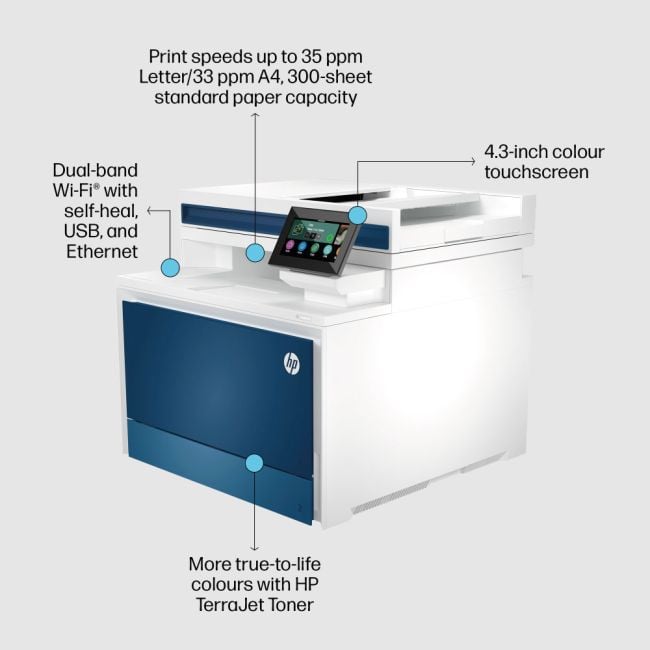
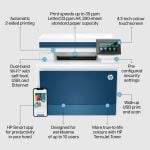
  • Up to 33 Pages Per Minute Print Speed
  • USB, Network & Wireless Connection
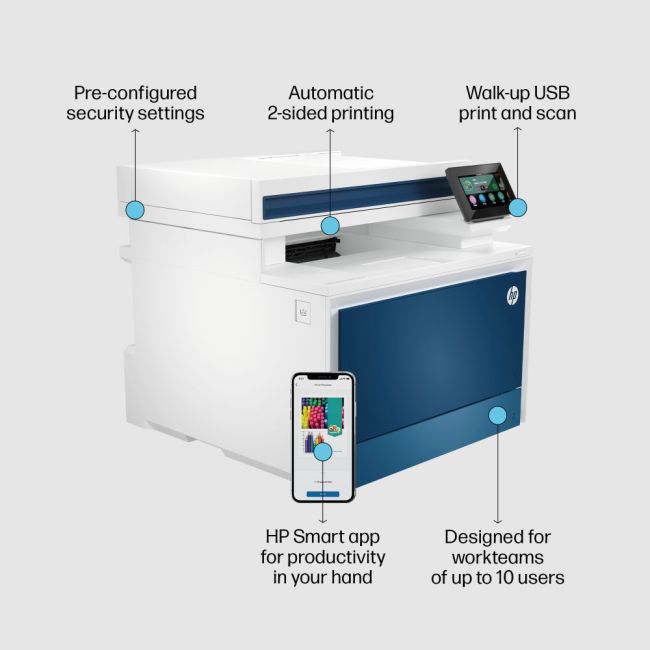
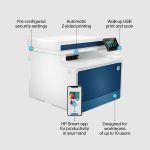
  • Automatic Double Sided Printing
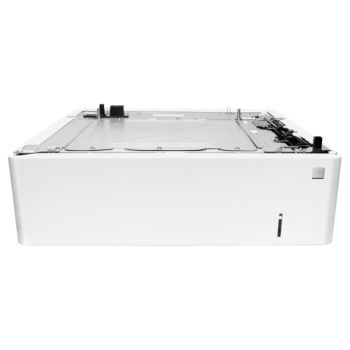
  • 250 Sheet Paper Tray
  • 512 MB Memory

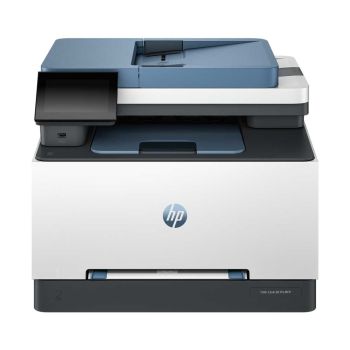
Buy the HP 4302FDW instead. Same printer + duplex print, copy, scan & fax

Order in the next 8 hours 2 minutes for Monday delivery

SAVE £141.90 | Was £430.80 inc VAT
£240.75ex VAT£288.90inc VAT

Qty:
99+ in stock
Product Spec
Memory:
512 MB
Processor Speed:
1.2 Ghz
Display Screen:
4-Line LCD Display
Disc Printing:
No
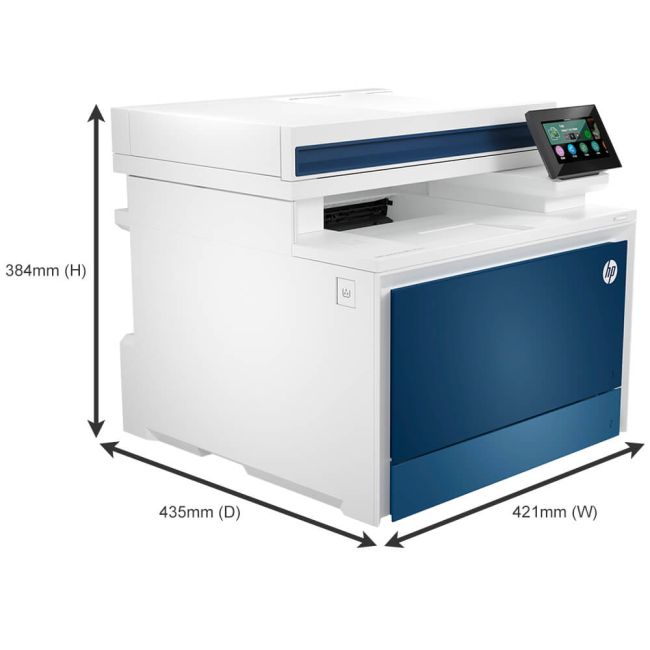
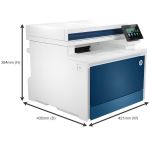
Dimensions W x D x H:
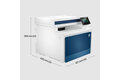
421 x 427 x 435mm
Max Paper Weight:
200gsm
Emulation:
HP PCL 6, HP PCL 5e, HP Postscript level 3 emulation, PDF, URF, PWG Raster, Native Office, TIFF, JPEG
Borderless Printing:
No
ADF:
50 Sheet
Multi-Purpose Tray:
50 Sheet
Input Capacity:
250 Sheet
Paper Handling Output:
150 Sheet
Mono or Colour:
Colour
Duplex Scan:
No
Scan DPI:
600 x 600
Scan Speed (PPM):
26
Scanner Type:
Flatbed with ADF
Barcode Printing:
No
Functions:
Print/Scan/Copy
GTIN:
0196068323189
BarCode:
0196068323189
Print From:
AirPrint
Double Sided:
Print
Compatibility:
Mac, Windows
Connectivity:
Network, USB, Wireless
Printer Type:
Laser/LED
Max Paper Size:
A4
Print DPI:
600 x 600
Pages Per Min Mono:
33 PPM
Pages Per Min Colour:
33 PPM
Manufacturer:
HP
Product Description

Efficiency and versatility combine in the HP Color LaserJet Pro MFP 4302dw, a high-performance A4 colour multifunction laser printer that revolutionizes your printing, scanning, and copying experience. Designed to meet the demanding needs of busy work environments, this printer offers exceptional speed, superior print quality, and a range of connectivity options.

High-speed performance

With an impressive print speed of up to 35 pages per minute for mono print and up to 33 pages per minute for colour print, the HP Color LaserJet Pro MFP 4302dw ensures your documents are produced swiftly and efficiently. Whether you're printing reports, marketing materials, or important business documents, you can rely on this printer to deliver crisp and professional results.

Featuring a maximum print resolution of up to 600 x 600 dpi, the HP Color LaserJet Pro MFP 4302dw produces sharp text and vibrant, true-to-life colours. Your documents will showcase a level of detail and clarity that leaves a lasting impression on your audience. Automatic double-sided printing further enhances productivity and helps save on paper costs.

Versatile connectivity options

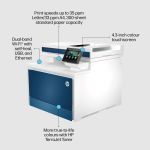
Connectivity is made easy with USB, network, wireless, Wi-Fi Direct, and Bluetooth capabilities. Whether you prefer a wired connection or the convenience of wireless printing, this printer offers the flexibility you need to print from various devices. Compatible with both Windows and Mac operating systems, it seamlessly integrates into your existing workflow.

Intuitive touchscreen and paper handling

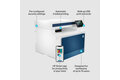
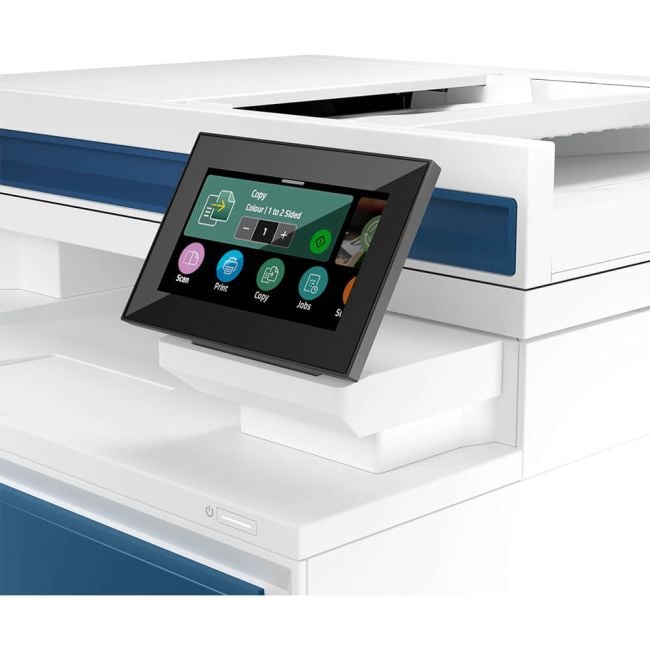
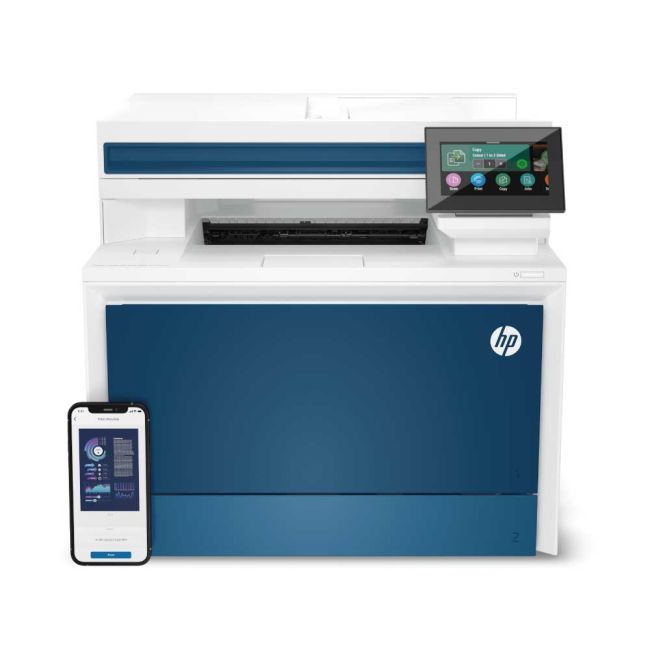
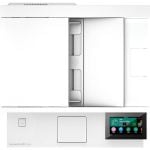
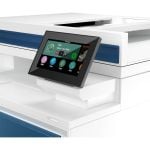
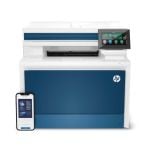
The 4.3-inch colour touchscreen simplifies navigation and allows for easy access to the printer's features and settings. The HP Color LaserJet Pro MFP 4302dw also includes a 50-sheet multipurpose tray and a 250-sheet input tray, enabling you to handle a variety of paper types and sizes effortlessly. The 1200MHz processor and 512MB RAM ensure smooth operation even during complex print jobs.

Elevate your productivity with the HP Color LaserJet Pro MFP 4302dw. This multifunction laser printer combines high-speed performance, exceptional print quality and versatile connectivity options to meet the demands of modern workplaces. Experience the power of efficient printing, scanning, and copying with this reliable and feature-packed printer.

Dynamic Security Enabled Printer

Certain HP printers are intended to work only with cartridges that have a new or reused HP chip or electronic circuitry. These printers use dynamic security measures to block cartridges using a non-HP chip or electronic circuitry. Periodic firmware updates will maintain the effectiveness of these measures and block cartridges that previously worked. Reused HP chips and electronic circuitry enable the use of reused, remanufactured, and refilled cartridges. Learn more about HP Dynamic Printer Security

Manufacturer's Description

Manufacturer Description

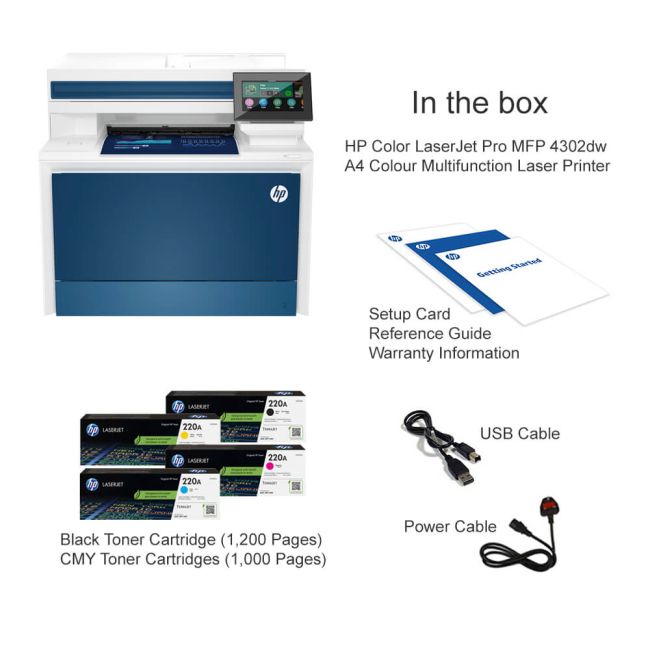
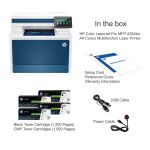
What's in the box
  • HP LaserJet Pro MFP 4302dw

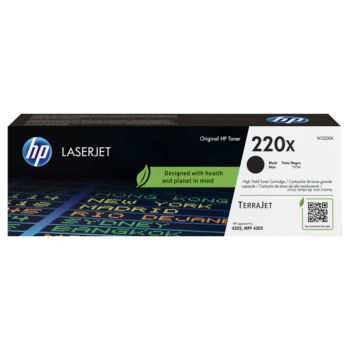
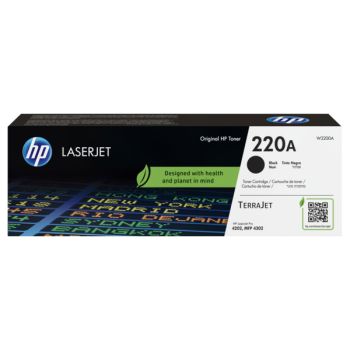
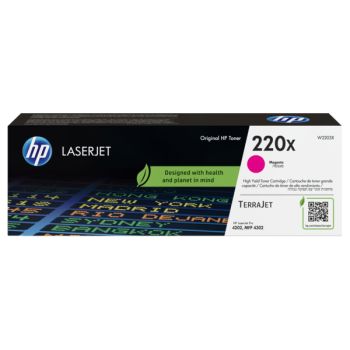
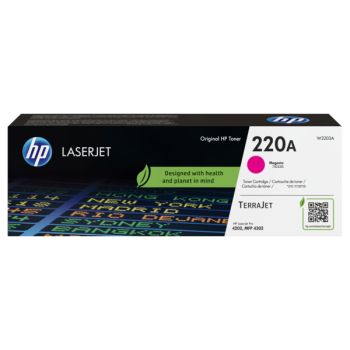
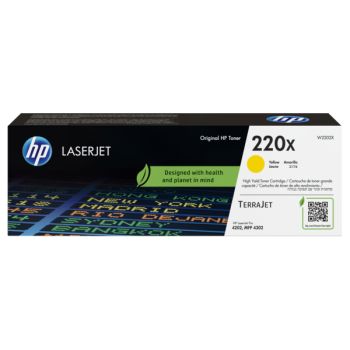
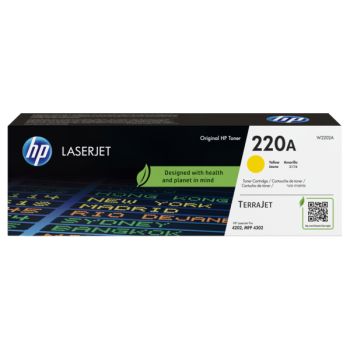
  • Black Toner (2,00 Pages*)
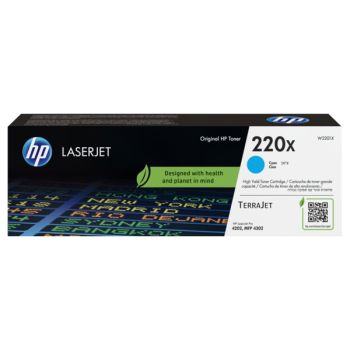
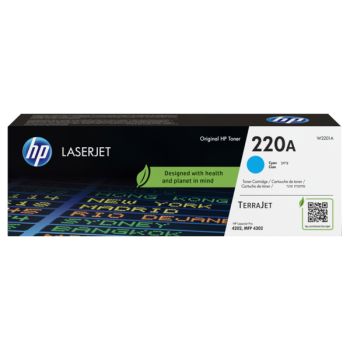
  • CMY Toner (1,000 Pages*)
  • Power Cable
  • Setup Card
  • Software CD
Reviews

5.007 reviews

  • Quality

    3/07/2024

    I print very rarely, maybe 100 pages a year with the odd necessity to scan and copy documents. With such little use my ink jet printer clogged up and it seemed every time I used it a new cartridge was required as the ink had dried up. After research a laser seemed to be the answer. Size mattered, and most important duplex printing. With help from Adam in the chat room, I settled on the HP 4302dw. Only slightly larger than the smallest possible laser this excellent machine with extended warranty, cash back from HP, and 1000 pages of colour toner included has been the perfect choice. New cartridges however will cost more than buying a new machine, but I’ll worry about that in a few years time! The print is amazing clear and vibrant. I cannot recommend this highly enough. From the phone call confirming it was the machine I wanted, (it does not duplex scan or copy automatically) to delivery the next day the service was nigh on perfect. Only one niggle which was really my fault. When setting up on wi-fi the machine automatically looked for firmware and software updates. During this process I tried to link it to my PC which could not find the printer. About to give up and call for help when a message on the printer screen advised update complete and yes my PC found it immediately. A little patience was all that was needed. Switching on after days of lying idle it prints in seconds quickly and quietly. What a piece of kit, thanks guys for great service, advice and a great economical machine.

  • Quality

    7/02/2024

    As someone who is used to high production printer's during the day, I was somewhat dubious about this printer that I got for the charity I volunteer for. For the functions we so desperately needed, this printer fitted the price bracket and I’m so pleased I did! Excellent quality, yield and so quiet! The colours are vibrant, the amount of paper the machine holds is good and considering it’s next to my desk, I was on a speaker phone call with trustees as I was printing and they couldn’t hear it. For a small upcoming charity, this printer is a game changer. I would highly recommend it and we have already discussed buying another for our own personal use!

  • Quality

    6/02/2024

    Setup was a breeze, unboxed and powered up and printing within 15 minutes I never looked at a setup guide just plugged it in. I've connected to the printer using an ethernet cable and also via the WiFi. Using OSX and iOS systems I didn't even need to download printer drivers as I could just use the built-in AirPrint driver. I did eventually visit the HP website to download the software installer, which was a very easy walk-through setup process. Using good quality paper the prints are very crisp and the colours bright. I've been very impressed with the quality of the printing and the speed it outputs each page. Most of the time the printer has finished printing within seconds of sending the document to the printer. To get double-sided prints of this quality and speed this good at this price point is impressive. When the printer is powered on it sits there silently, ready to print. Within seconds, it has quietly printed the pages and then returns to sitting there silently once again. The scanner and copying functions are also lightning quick and the results are impressive. This makes this printer a truly useful addition to any office. I've been using this printer for a week now and have a couple of issues, not deal breakers but for a networked printer for a small business worth highlighting. I have tried to print a few complex vector-based graphics and the printer just gave up. It sat their processing for a few minutes then nothing was printed or any error messages provided. I guess this is due to just a basic implementation of postscript rip used in the printer. The other issue is the very small paper tray, which looks like it can only hold a couple of hundred A4 sheets at a time.  

  • Quality

    6/02/2024

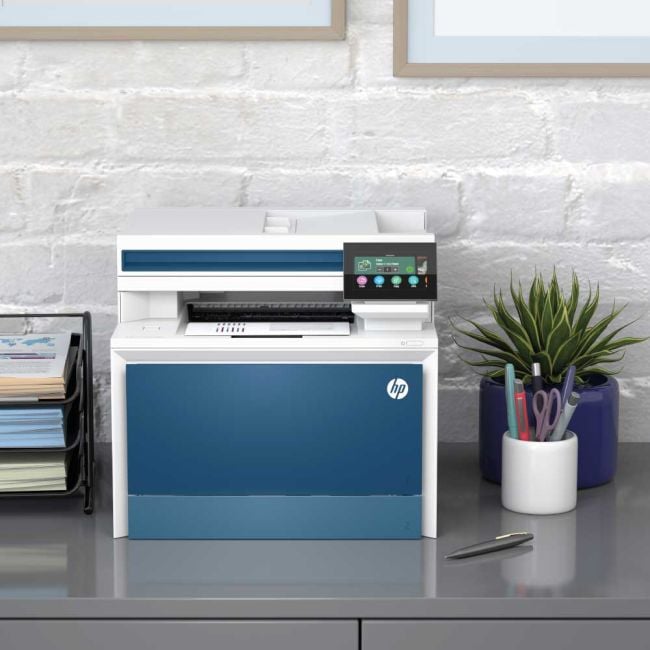
    I had an old black and white HP printer which I was very pleased with for about 15 years, but had started to be temperamental, so HP didn't really need to prove itself as a brand, and I was only too happy to test this new one. It arrived quickly and my first impression was "that's a big printer!" But to be fair it is a scanner and copier as well as a colour printer. I've had a laserjet printer for years so I knew already I wouldn't ever go back to an inkjet, because they last so much longer, the ink doesn't dry out in a month if you don't use it and the quality is a lot better. This printer has now had a good test of its printing capabilities and has passed with distinction! I printed off a photo and although it was on normal A4 paper it is very good quality. Close up you can see that the pixels are spread out more than on a photo but from a short distance away it can pass for a picture to hang on the wall in a frame. Printing off black and white pictures (for example pictures to colour in) is obviously excellent. The copier has also been tested, and the only downside of this product is that it doesn't pick up very faint lines, so a pencil sketch might not reproduce well. For colour copies, no issue whatsoever. I photocopy cross stitch charts and these reproduce very well. Scanning works well, much the same as copying but little testing has been done on this function - I knew the scanner would be the least used of the functions. It's very fast, printing off 33 pages per minute both in colour and black and white. Initial set up was far easier than I thought it would be. I am very incapable when it comes to technology and any setting up of new gadgets is daunting, but I plugged it in and turned it on and up popped a menu on the touchscreen display asking me to set the time and date and choose the country I was in, then connect to my wi-fi, and that was it! No installing of drivers, no plugging in my chrome book, no wires everywhere. Very much recommended, especially for those, like myself, who cannot use technology unless it is very simple! Next I would like to buy some photo paper to see how well they can be reproduced.

  • Quality

    2/02/2024

    When receiving the HP Color LaserJet Pro MFP 4302dw Printer started well with super simple touchscreen and prompts. Now for the rest of the printer: - Main printing: This is where the printer shines, laser printers have always been my preference, even though they do tend to cost more upfront and for replacing toner. However, this one is very affordable and is quiet when printing, copying and scanning. HP has definitely refined this printer software and the touch screen is easy to use - Features: The Touchscreen is great and allows for easy set-up, configuration and day-to-day use, my only complaint is changing the text size seemed to cause an issue with not being able to navigate back to the main menu. The buttons on this printer just make sense and are quite obvious for how to change toner and get access to sections of the printer where paper could get jammed/stuck. - Scanning: Now it might just be me, but it seems there is issues with double-sided printing, and I can get it to work over mobile or through Windows software. However, when I can get scanning working, it is quick and easy to use, flexible to scan-to-email, scan-to-computer etc Would I recommend it? Yes, in a heartbeat, work with printers for a living so would be a welcome addition to any home or small business.

  • Quality

    2/02/2024

    I had an old black and white HP printer which I was very pleased with for about 15 years, but had started to be temperamental, so HP didn't really need to prove itself as a brand, and I was only too happy to test this new one. It arrived quickly, one day after ordering, and my first impression was "that's a big printer!" But to be fair it is a scanner and copier as well as a colour printer. I've had a laserjet printer for years so I knew already I wouldn't ever go back to an inkjet, because they last so much longer, the ink doesn't dry out in a month if you don't use it and the quality is a lot better. This printer has now had a good test of its printing capabilities and has passed with distinction! I printed off a photo and although it was on normal A4 paper it is very good quality. Close up you can see that the pixels are spread out more than on a photo but from a short distance away it can pass for a picture to hang on the wall in a frame. Printing off black and white pictures (for example pictures to colour in) is obviously excellent. The copier has also been tested, and the only downside of this product is that it doesn't pick up very faint lines, so a pencil sketch might not reproduce well. For colour copies, no issue whatsoever. I photocopy cross stitch charts and these reproduce very well. Scanning works well, much the same as copying but little testing has been done on this function - I knew the scanner would be the least used of the functions. It's very fast, printing off 33 pages per minute both in colour and black and white. Initial set up was far easier than I thought it would be. I am very incapable when it comes to technology and any setting up of new gadgets is daunting, but I plugged it in and turned it on and up popped a menu on the touchscreen display asking me to set the time and date and choose the country I was in, then connect to my wi-fi, and that was it! No installing of drivers, no plugging in my chrome book, no wires everywhere. Very much recommended, especially for those, like myself, who cannot use technology unless it is very simple! Next I would like to buy some photo paper to see how well photos can be reproduced.

  • Quality

    2/02/2024

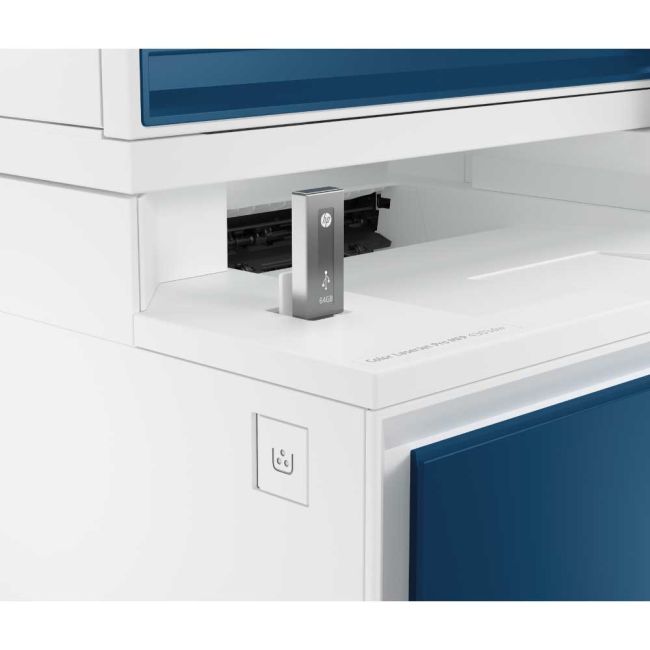
    As with all thins now a days, set up manuals are the very bare basics, so I did initially have a few issues with the setup. Connecting to wifi was easy and straight forward, but silly as it sounds I did struggle trying to find where the cartridges were to be able to find the serial number and the password info for the administrator site. Once I finally got all that my husband was able to go into the advanced settings on the printers IP address, gives more security options there. Setting devices up with the details was also easy and straight forward. Print speed is super fast and duplex works a treat, colours are vibrant, text is sharp and clear. Copies are also very clear, for scanning we set the resolution to 400dpi for clarity which is fantastic! I can scan straight to my device and save to file from there. Printer is always ready to print when you press the button. I do a lot of crafts and the ability to be able to able to plug in a pen drive is an absolute life saver for me! Not only can I print from USB but I can also scan to the drive. The touch screen display is very responsive and easy to navigate. There is a selection of paper types which is invaluable as I use card stock, glossy and matt papers as well as picture paper. 1 small glitch is that despite it being checked, the find paper tray automatically, it never does, paper tray 1 seems to be the default even though tray 2 is the flatbed tray, I will look further into this, it could be something I have missed along the line. Having separate logins is fab as we both run small businesses so this helps to keep track of what outgoing costs we each have in terms of paper prints and cartridge usage. My husband is in the process of setting up the network storage for us. The app works very, I have it installed on both my phone and ipad, it has worked from both with no issues at all. The app also has the same function ability as the printers IP address which I am glad of as I initially thought I would have to log in there every time to scan and copy. This printer has so many functions and capabilities that it will take me a while to go through them all and try them. HP is a very reputable brand and produces quality products, of which, this is one. Looks very stylish and modern with the blue parts. I am very pleased with it and very sure I will get many years of use out of it.

Promo Terms

Free 3 Year Warranty

Claim a Free 3 Year Warranty from HP when you purchase this product. 

Terms & conditions and how to Claim (UK & IRE):
Please visit the HP Promotions website and select "3 Year HP Commercial Warranty for selected HP LaserJet models" to register your warranty. (For (IRE) Ireland, please change country/region on claim page) 

Please Note:
Warranty registration must be submitted to HP within 60 days of the purchase date.

Delivery Information

Free next business day delivery on all orders over £36

Terms & Conditions

  • Resellers: We only sell goods to end users whether that is a private user or a business user. We reserve the right to cancel orders that we believe have been purchased for the purpose of resale. This includes but is not limited to any individual or business who are managed print providers, IT resellers, Amazon sellers or eBay sellers who do not qualify as end users.
  • Free Next Business Day Delivery on all orders over £30 ex VAT / £36 inc VAT.
  • For all orders under £30 ex VAT / £36 inc VAT there is a £4.95 ex VAT delivery charge.
  • Next Business Day Delivery only includes orders being shipped to mainland Great Britain.
  • Delivers to AB postcode area, the higher parts of Scotland and Scottish Isles may be a 'Two Day' service and not 'Next Day'
  • Next Business Day Delivery is available for all orders placed before 4.30pm Monday to Friday. Orders placed after 4.30pm on Friday or at the weekend will be processed on the next business day (see delivery estimates).
  • Our standard delivery service is a one man to the ground floor service - customer assistance may be required. Non ground floor deliveries may require a two man delivery and/or on-site installation. Please call our sales team for more information on 0161 308 5800.
  • All public holidays and bank holidays are classed as non-business days.
  • Whilst we will endeavour to ensure your order is sent on a next business day service we can not be held responsible for delays incurred by our couriers or delays due to bad weather or any other circumstance that is beyond our control.
  • For all orders going to Northern Ireland there is a £25.00 ex VAT delivery charge and this can take 2-3 business days.
  • For deliveries to other areas including Isle of Man, Scottish Islands and Channel Islands please contact us for a quote.
Order PlacedExpected Delivery Date
Monday before 4:30pmTuesday
Tuesday before 4:30pmWednesday
Wednesday before 4:30pmThursday
Thursday before 4:30pmFriday
Friday before 4:30pmMonday
SaturdayTuesday
SundayTuesday
Questions & Answers
  • Does "automatic double-sided printing mean "duplex" ie it will print on jolts sides of the paper without me needing to put the paper back in after the first side is printed?

    Fri May 03 2024

    Written by David

    • Hi David Thank you for your question. Yes "Duplex" does mean double-sided printing. The HP 4302DW can duplex print, but single-sided scan. Hope this helps Thank you The Printerbase Team

      Fri May 03 2024

      Written by Adam Whitehead (Admin)

icon

Need help?

Speak with one of our technical gurus Bob or Chris 0161 308 5800

call for help