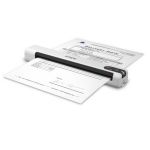
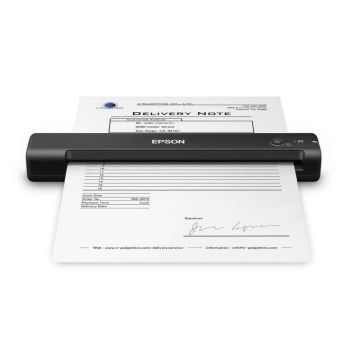
Epson WorkForce DS-70 Mobile Document Scanner
When you need a simple and reliable way to scan documents away from the office, having a portable solution that is easy to carry and quick to use can make all the difference. The Epson WorkForce DS-70 is designed for mobile professionals, home workers and small offices that need efficient document capture without taking up valuable desk space. Lightweight, USB-powered and supplied with advanced document management software, it provides a practical way to digitise, organise and share documents wherever work takes you.
Epson WorkForce DS-70 Benefits
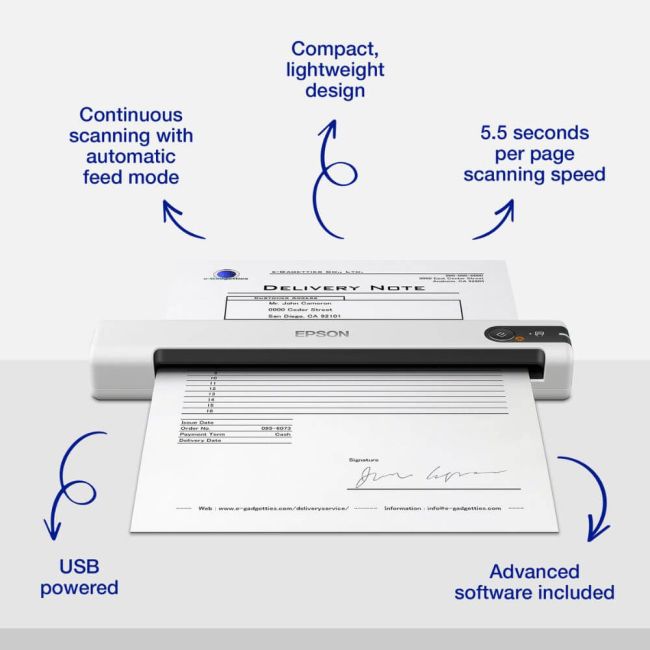
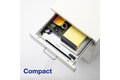
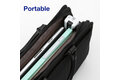
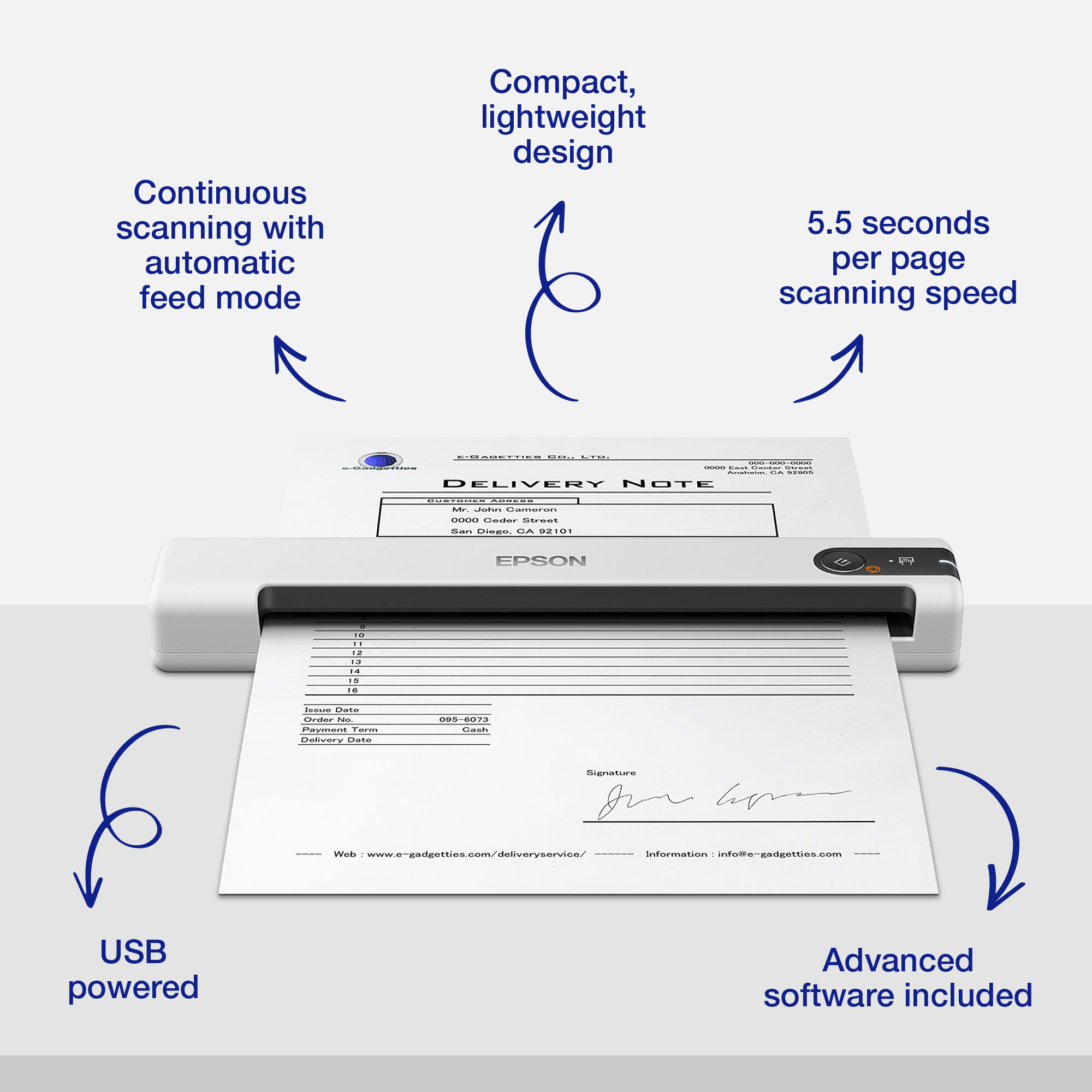
- Compact and lightweight design for mobile scanning
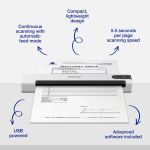
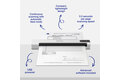
- Fast scanning speeds of just 5.5 seconds per page
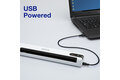
- USB-powered operation for convenient setup anywhere
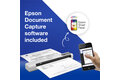
- Document Capture Pro 2 and Epson Scan 2.0 software included
- Continuous scanning with automatic feed mode
- Wide media handling from 35gsm to 270gsm
- Supports long paper scanning up to 1.8 metres
Compact and Lightweight for Scanning on the Go
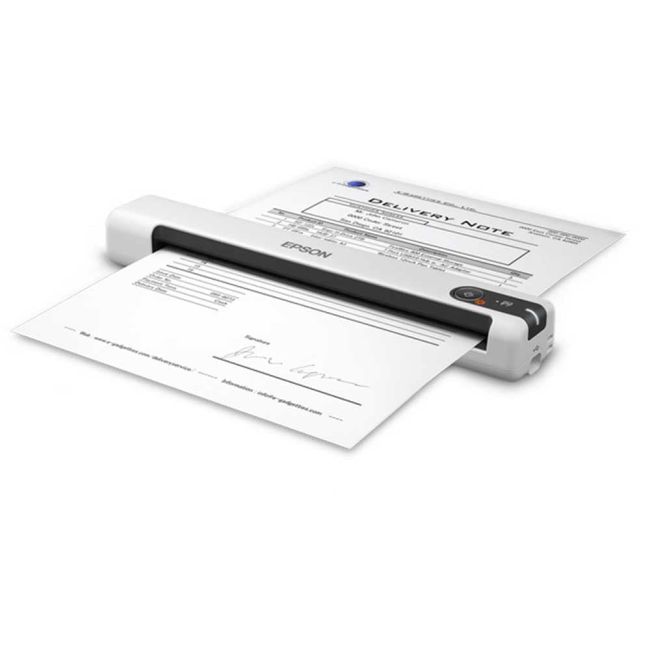
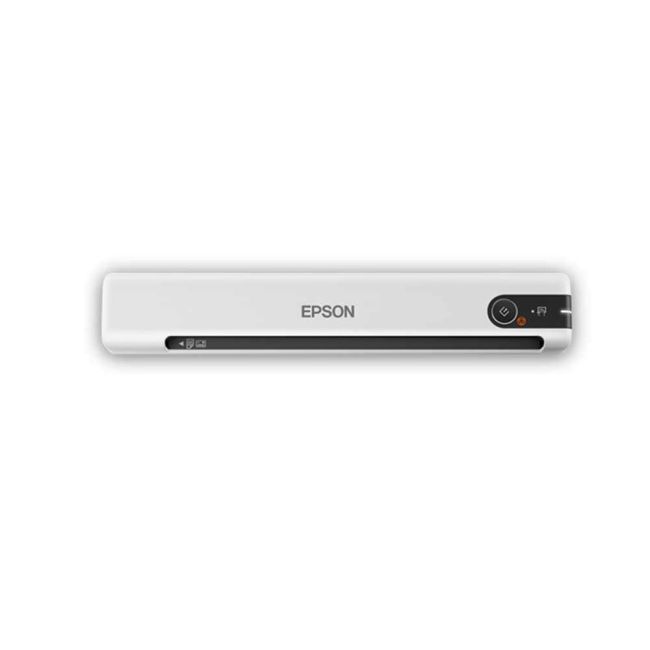
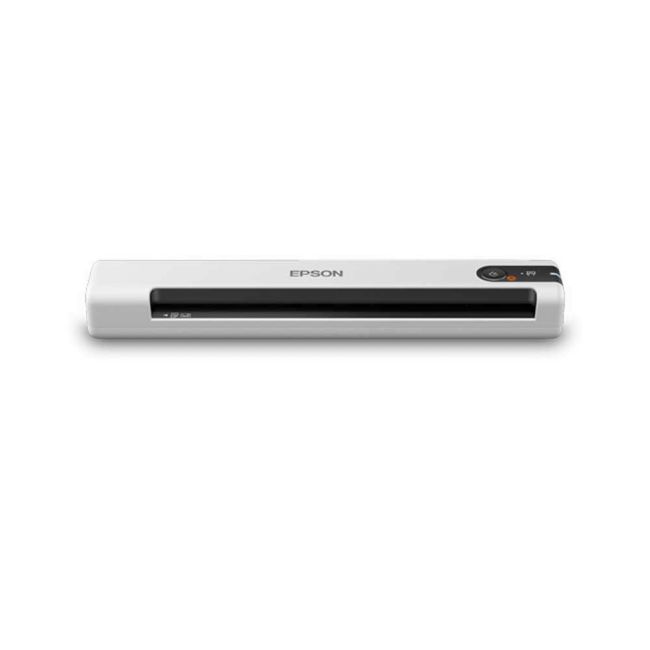
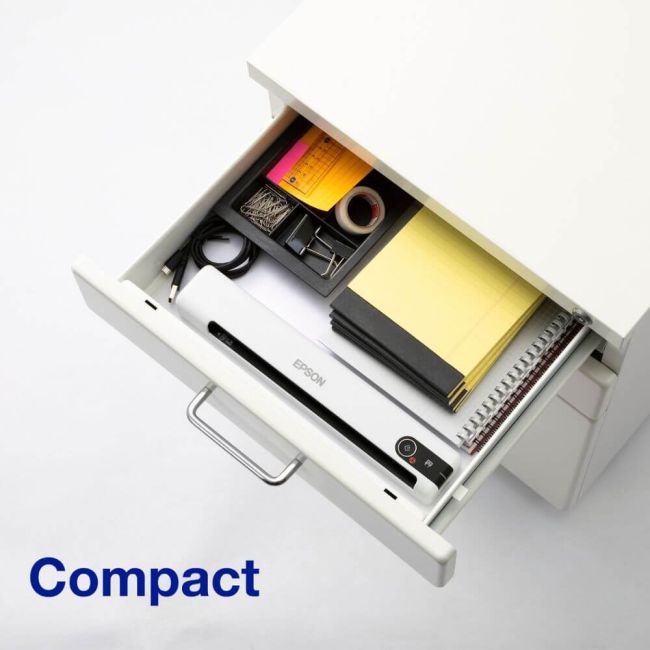
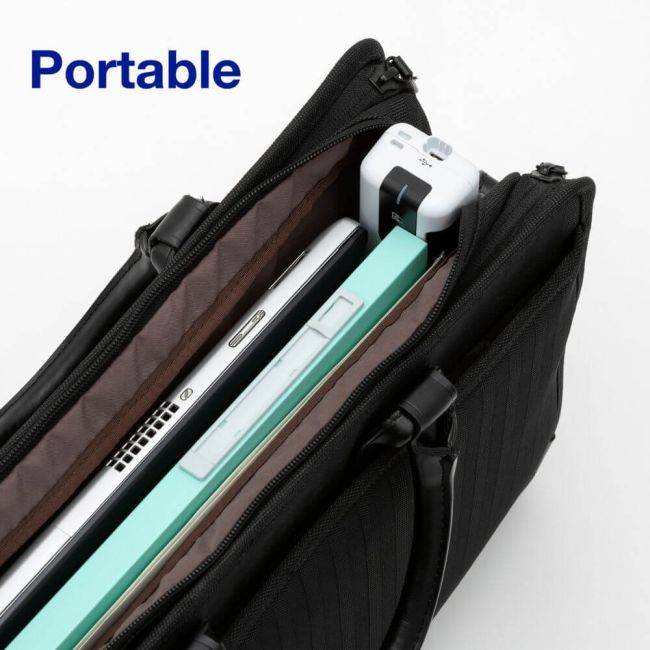
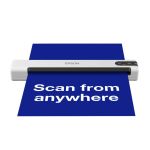
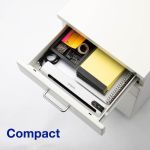
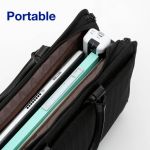
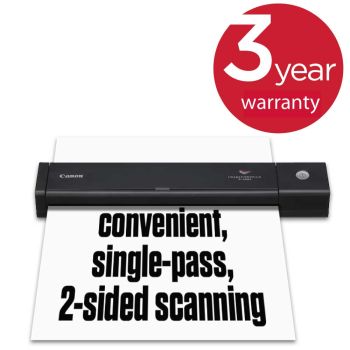
The DS-70 is designed for users who need to scan away from a traditional office environment. Its compact size makes it easy to transport, while its space-saving design allows it to be stored conveniently when not in use. Whether working from a client site, reception desk, home office or shared workspace, it provides a simple and effective scanning solution wherever it is needed.
Fast Scanning Speeds of Just 5.5 Seconds Per Page
With scan speeds of as little as 5.5 seconds per page, the DS-70 helps users digitise documents quickly and efficiently. This makes it ideal for capturing invoices, forms, receipts, business cards and other everyday paperwork without interrupting your workflow.
USB-Powered Operation for Convenient Setup Anywhere
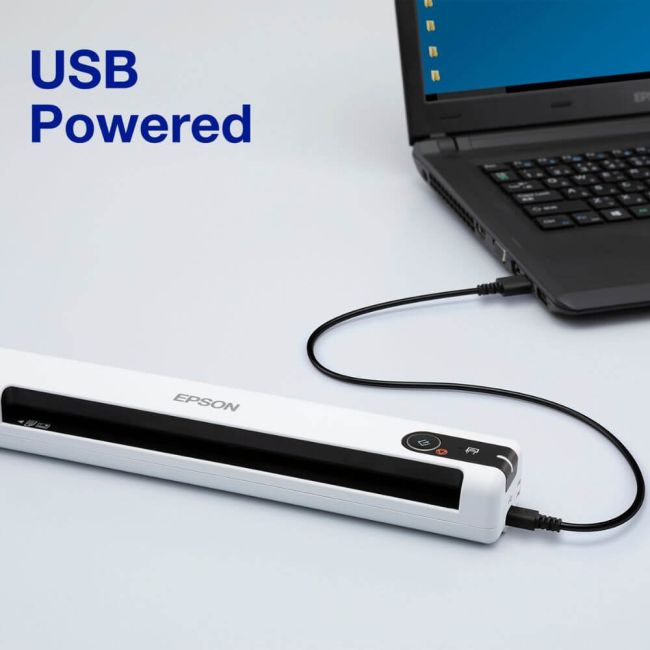
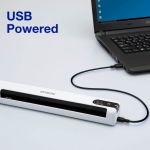
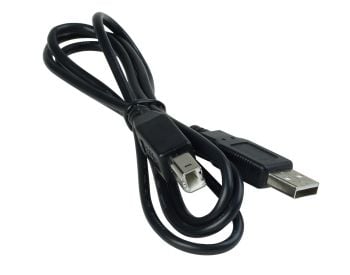
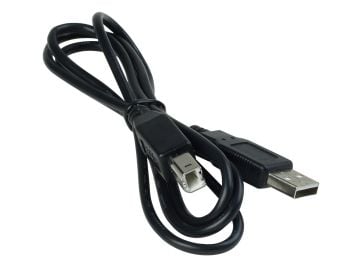
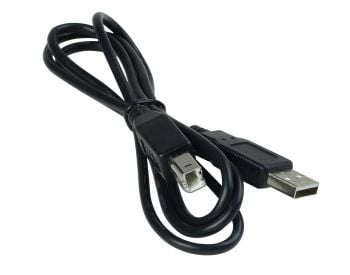
Powered via a single USB connection, the DS-70 eliminates the need for an additional power supply. Simply connect it to a laptop or PC and begin scanning straight away. This makes setup quick and uncomplicated while reducing cable clutter in smaller workspaces.
Document Capture Pro 2 and Epson Scan 2.0 Included
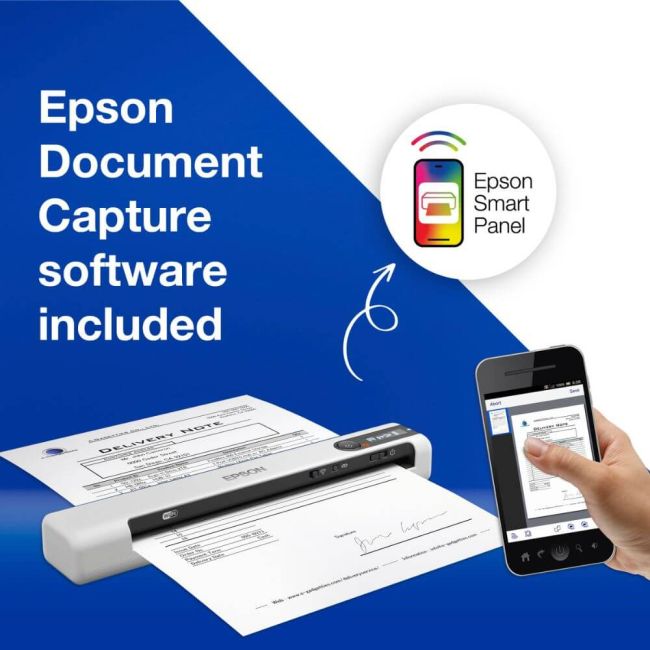
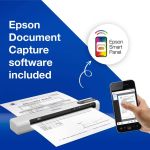
The DS-70 is supplied with Epson Scan 2.0 and Document Capture Pro 2 software, helping users scan, organise and share documents more efficiently. Features such as document naming, separation and routing simplify file management, while support for common formats including PDF, JPEG and TIFF makes it easy to work with scanned content across different applications and workflows.
Continuous Scanning with Automatic Feed Mode
Automatic feed mode allows multiple pages to be scanned in succession, helping to reduce manual intervention and improve productivity. Combined with the CIS sensor technology, which requires no warm-up time, the DS-70 is ready to scan as soon as you need it.
Flexible Media Handling for Different Document Types
The ability to handle a wide variety of media makes the DS-70 a versatile business tool. It supports paper weights from 35gsm to 270gsm, allowing users to scan everything from lightweight documents to thicker media such as business cards and receipts with ease.
Long Paper Scanning up to 1.8 Metres
For more specialised requirements, the DS-70 supports long paper scanning up to 1.8 metres in length. This makes it suitable for capturing long receipts, contracts and other extended documents that need to be digitised in a single scan.
Designed for Mobile Professionals and Small Offices
Combining portability, ease of use and advanced software capabilities, the DS-70 is well suited to small office, home office and mobile working environments. It provides a convenient way to digitise, organise and share information without relying on bulky equipment or dedicated scanning stations.
Why Buy the Epson WorkForce DS-70
Because it offers more than just portable scanning. The DS-70 combines mobility with powerful document management tools, making it easier to capture, organise and distribute information wherever work takes place. With USB-powered convenience, fast scanning speeds and advanced software included as standard, it helps keep paperwork under control whether you are in the office, working from home or travelling between locations. For professionals who need a flexible scanning solution that is ready whenever they are, the DS-70 is an ideal choice.