What Are Windows Compatible Printers?
Windows compatible printers are printers that support the Microsoft Windows operating system using approved drivers, firmware and software tools. This allows you to install and operate the printer with minimal setup and still access the essential features such as double-sided printing, secure printing, scanning, mobile connectivity and print management.
Most modern printers are built with Windows 11 compatibility in mind, and Windows 10 support. Compatibility ensures that key functions such as network printing, wireless connectivity, printer security and multifunction controls work as intended without disruption.
Types Of Windows Compatible Printers
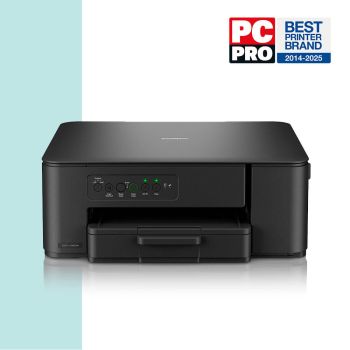
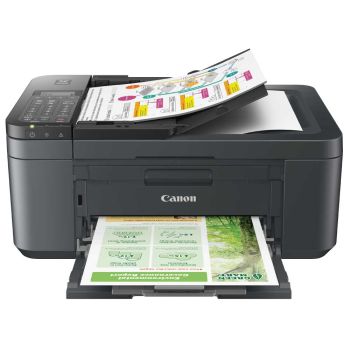
Inkjet
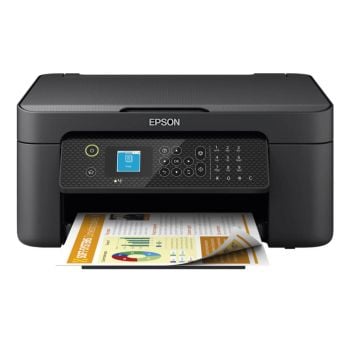
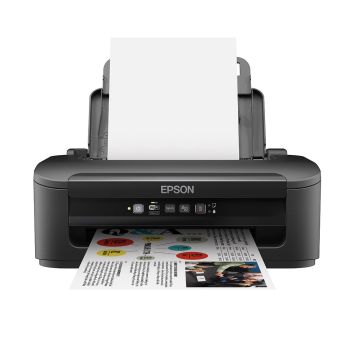
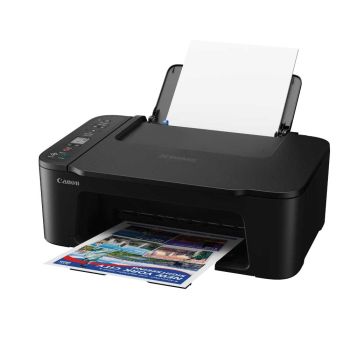
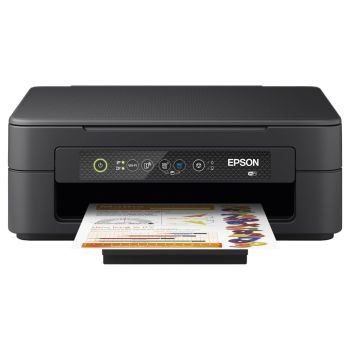
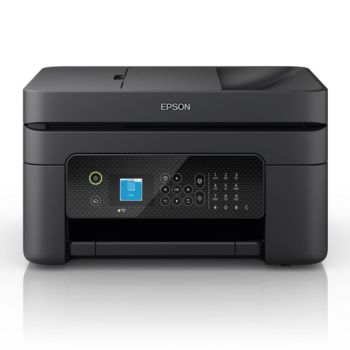
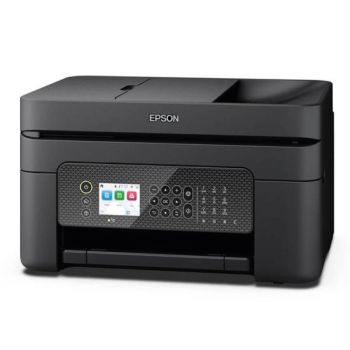
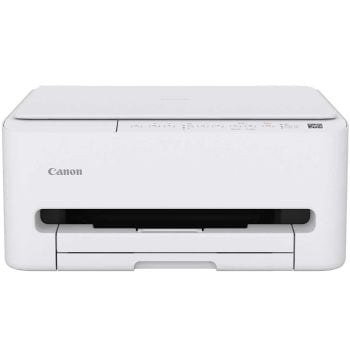
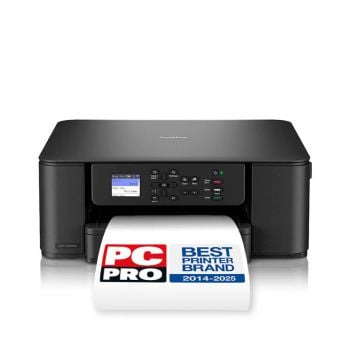
Ideal for everyday home and office printing, Windows compatible inkjet printers provide high-quality prints for documents, photos, marketing materials and creative projects. Fully supported on Windows 11 and Windows 10, they’re a popular choice for low to medium print volumes, home users and creatives.
Laser
Fast, reliable and cost-effective, Windows compatible laser printers are designed for busy environments. Perfect for black-and-white (Mono) or colour printing, they offer excellent performance for offices, workgroups, or heavy-printing home users across supported Windows operating systems.
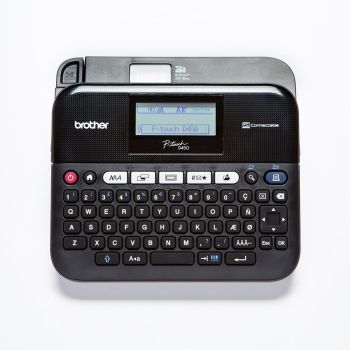
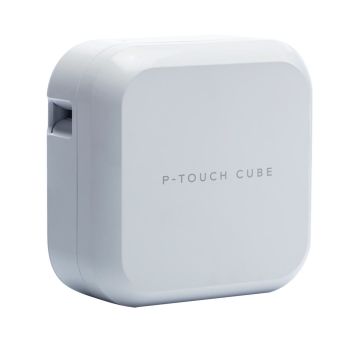
Label
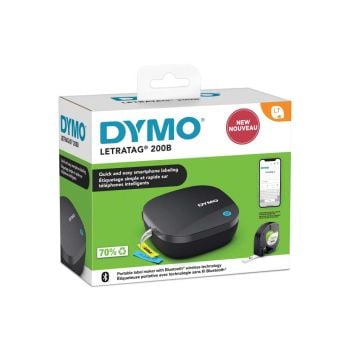
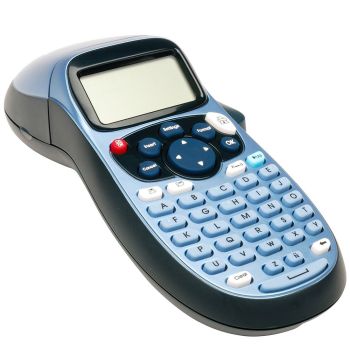
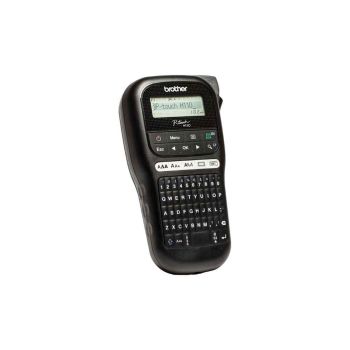
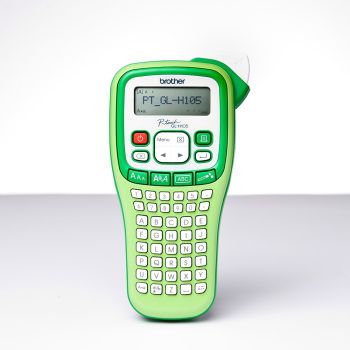
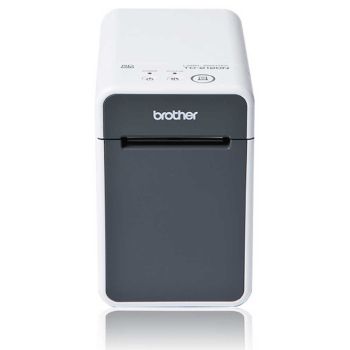
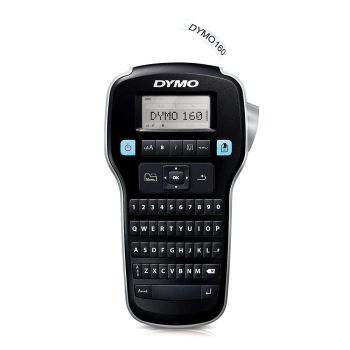
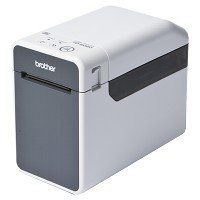
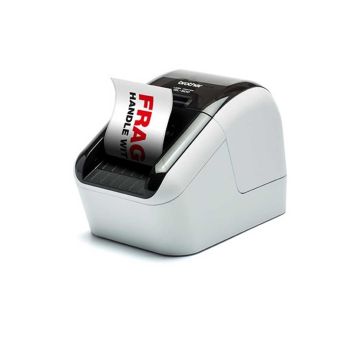
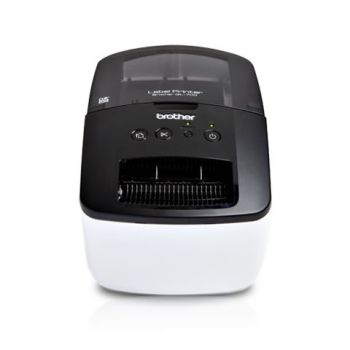
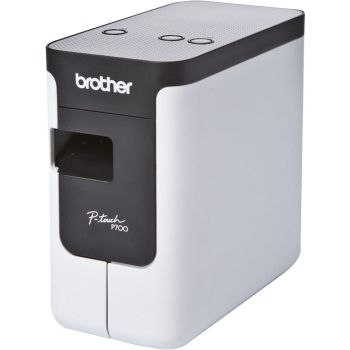
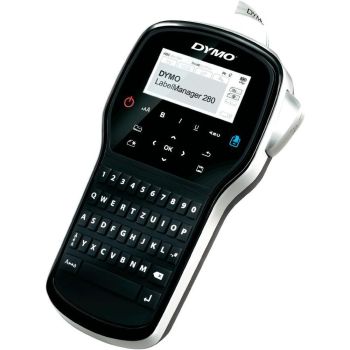
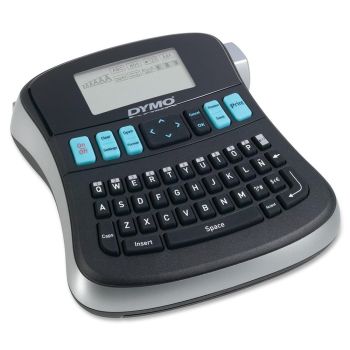
Windows compatible label printers are widely used in retail, logistics, healthcare and warehousing. They integrate seamlessly with Windows-based software to create shipping labels, barcodes and product labels accurately and efficiently.
Windows 11, Windows 10 and Windows 7 Printer Support
- Windows 11 is the latest and most widely used operating system, available on all new printers
- Windows 10 printers remain widely supported and are still in use by businesses and home users who have not yet updated to the latest operating systems
- Windows 7 support was officially ended in 2020, no new printer releases will support this operating system. If you have an older printer released between 2010 and 2018, or use generic PCL or PostScript drivers, your printer may still work.
Best Uses For Windows Compatible Printers
Home & Office Use – Print documents quickly and reliably from Windows PC’s and Laptops
Business & Workgroup Printing – High-speed, high-volume printing for workplaces
Creative & Marketing Work – Create colour-accurate prints for presentations, graphics and marketable materials
Retail, Logistics & Labelling – Create barcodes, shipping labels, and product tags using Windows-based systems
Education & Training – Print worksheets, learning resources and training materials with ease.
Frequently Asked Questions
Most modern printers support Windows 11, but compatibility depends on driver availability. We recommend checking the manufacturers website for the latest drivers, before purchasing your printer.
It may still be possible to print with Windows 7. However, most manufacturers no longer supply drivers for this operating system. A PC or laptop may automatically detect the printer when connected via USB, and installed using Windows own drivers.
Built-in drivers often allow basic printing, but advanced features including scanning, duplex, and secure print may require manufacturer-provided drivers
Some older printers may work on Windows 11 using the manufacturer drivers, or Windows built-in drivers. However, feature functionality can vary. It’s recommended to check the manufacturers website for full driver support
Without a dedicated driver, advanced features such as scanning, duplex printing, secure print, network configuration may be limited or unavailable.
Most Windows compatible printers support WiFi, Ethernet (Network) or both types of connectivity. Compatibility varies on the model, and driver support.
You should check the manufacturers driver support page. Most pages will be able to read your operating system, and will have all supported drivers listed.