10% Off Inks, Toners, Tapes & Labels With Printer - Code: CONS10
Thumbs up icon

Rated 4.8 out of 5 on Trustpilot

Headset icon

Need help or advice? Call 0161 308 5800

Offline mode
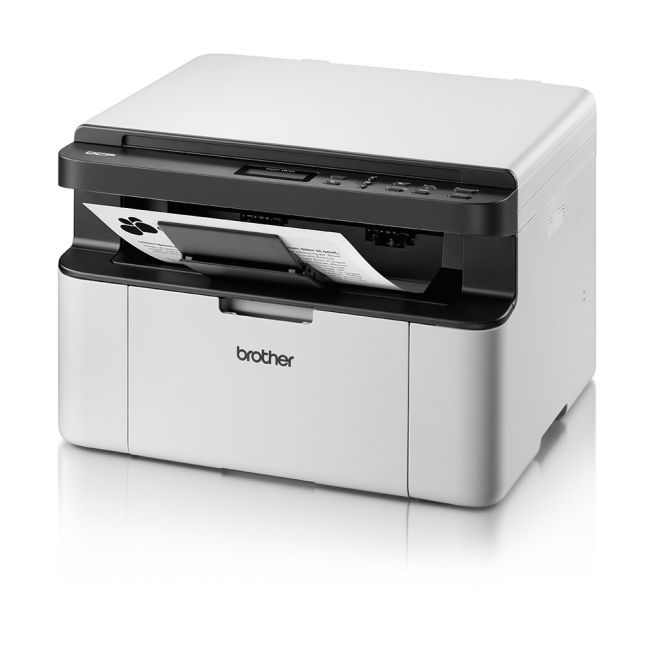
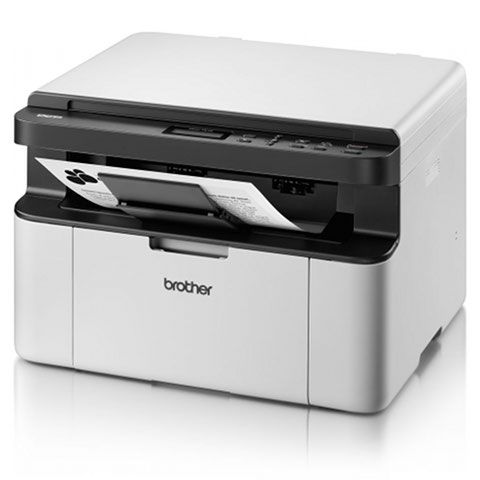
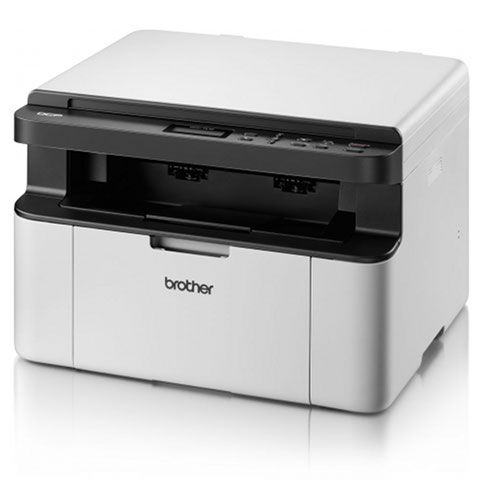
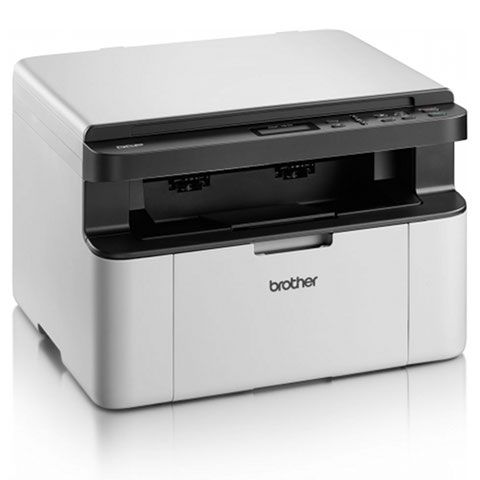
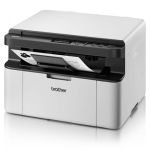
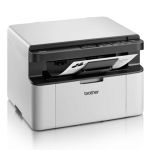
Brother DCP-1510 A4 Mono Laser MFP Left View 1
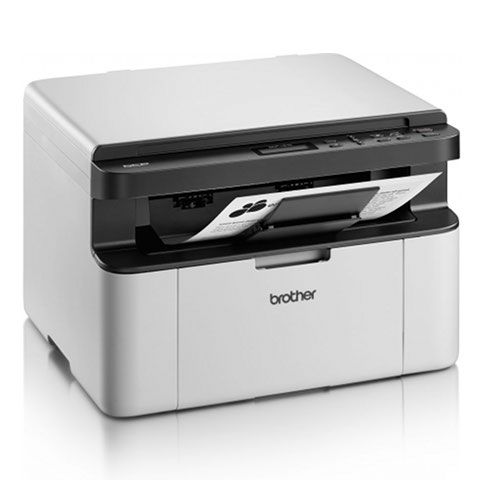
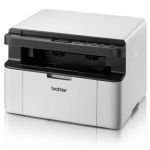
Brother DCP-1510 A4 Mono Laser MFP Left View 2
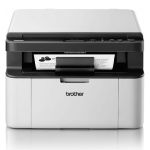
Brother DCP-1510 A4 Mono Laser MFP Left View 3
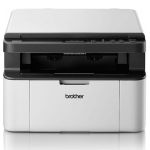
Brother DCP-1510 A4 Mono Laser MFP Left View 4
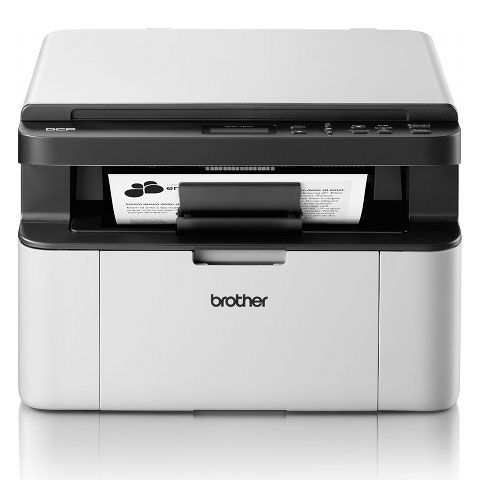
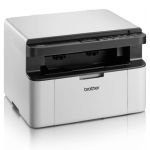
Brother DCP-1510 A4 Mono Laser MFP Front View 1
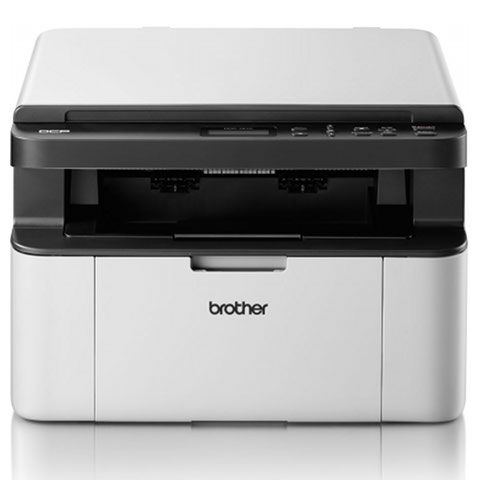
Brother DCP-1510 A4 Mono Laser MFP Front View 2
Brother DCP-1510 A4 Mono Laser MFP Right View 1
Brother DCP-1510 A4 Mono Laser MFP Right View 2
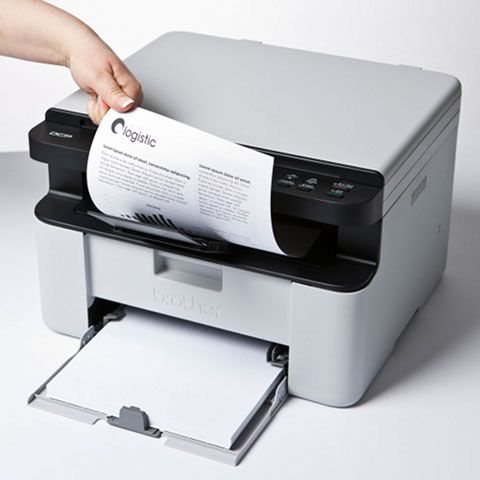
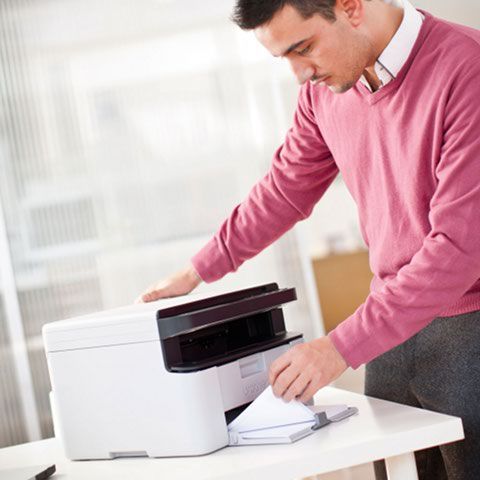
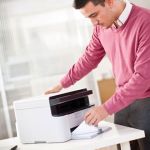
Brother DCP-1510 A4 Mono Laser MFP in Office
Brother DCP-1510 A4 Mono Laser MFP Left View 1
Brother DCP-1510 A4 Mono Laser MFP Left View 2
Brother DCP-1510 A4 Mono Laser MFP Left View 3
Brother DCP-1510 A4 Mono Laser MFP Left View 4
Brother DCP-1510 A4 Mono Laser MFP Front View 1
Brother DCP-1510 A4 Mono Laser MFP Front View 2
Brother DCP-1510 A4 Mono Laser MFP Right View 1
Brother DCP-1510 A4 Mono Laser MFP Right View 2
Brother DCP-1510 A4 Mono Laser MFP in Office

Brother DCP-1510 A4 Mono Laser MFP - DISCONTINUED

Part No: DCP1510ZU1
  • Print - copy - scan 
  • Up to 20ppm print/copy speed
  • 16MB memory
  • 2400 x 600dpi resolution

    The Brother DCP-1510 is now discontinued, this as been replaced by the Brother DCP-1610W

Order in the next 12 hours 24 minutes for Thursday delivery

Product Spec
Memory:
16 MB
Disc Printing:
No
Dimensions W x D x H:
385 x 340 x 255 mm
Weight (Kg):
7
Max Paper Weight:
105gsm
Emulation:
GDI Printer Language
Processor Speed:
200 Mhz
Borderless Printing:
No
Input Capacity:
150 Sheet
Duplex Scan:
No
Paper Handling Output:
50 Sheet
Barcode Printing:
No
Functions:
Print/Scan/Copy
GTIN:
4977766721448
BarCode:
4977766721448
Mono or Colour:
Mono
Print Speed:
20
Compatibility:
Mac, Windows
Connectivity:
USB
Printer Type:
Laser/LED
Max Paper Size:
A4
Print DPI:
2400 x 600
Pages Per Min Mono:
20 PPM
Manufacturer:
Brother
First Page Out (Seconds):
16
Product Description
The Brother DCP-1510 Mono Laser Printer offers a smooth printing experience, along with durability to deliver the perfect machine for any office. Able to print, copy and scan at impressive speeds, the reliable DCP-1510 offers a fantastic print quality — with booklet, poster and manual two-sided printing all available. This device also gives you an extremely cost-effective overall performance, too — thanks to a toner save mode and low-price hardware and consumables.
What's in the box
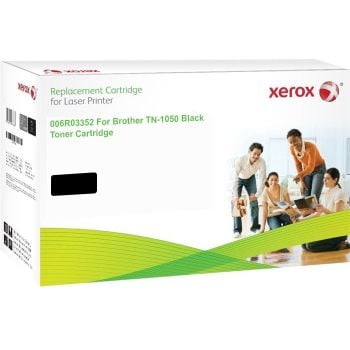
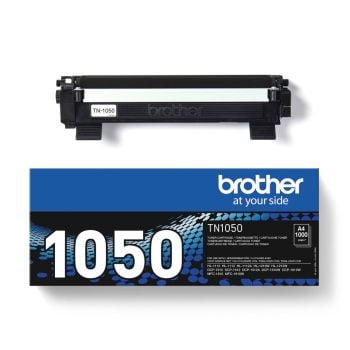
  • Black Toner Cartridge - Up to 1,000 pages
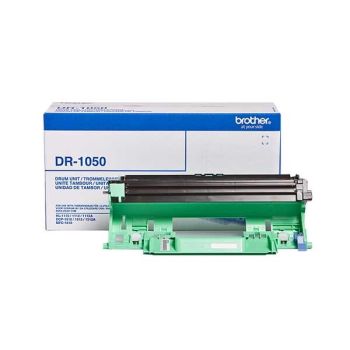
  • Drum Unit
  • Quick Setup Guide
  • Software
  • Power Cable
Reviews

There are no reviews yet, be the first one to write one!

Delivery Information

Free next business day delivery on all orders over £36

Terms & Conditions

  • Resellers: We only sell goods to end users whether that is a private user or a business user. We reserve the right to cancel orders that we believe have been purchased for the purpose of resale. This includes but is not limited to any individual or business who are managed print providers, IT resellers, Amazon sellers or eBay sellers who do not qualify as end users.
  • Free Next Business Day Delivery on all orders over £30 ex VAT / £36 inc VAT.
  • For all orders under £30 ex VAT / £36 inc VAT there is a £4.95 ex VAT delivery charge.
  • Next Business Day Delivery only includes orders being shipped to mainland Great Britain.
  • Delivers to AB postcode area, the higher parts of Scotland and Scottish Isles may be a 'Two Day' service and not 'Next Day'
  • Next Business Day Delivery is available for all orders placed before 4.30pm Monday to Friday. Orders placed after 4.30pm on Friday or at the weekend will be processed on the next business day (see delivery estimates).
  • Our standard delivery service is a one man to the ground floor service - customer assistance may be required. Non ground floor deliveries may require a two man delivery and/or on-site installation. Please call our sales team for more information on 0161 308 5800.
  • All public holidays and bank holidays are classed as non-business days.
  • Whilst we will endeavour to ensure your order is sent on a next business day service we can not be held responsible for delays incurred by our couriers or delays due to bad weather or any other circumstance that is beyond our control.
  • For all orders going to Northern Ireland there is a £25.00 ex VAT delivery charge and this can take 2-3 business days.
  • For deliveries to other areas including Isle of Man, Scottish Islands and Channel Islands please contact us for a quote.
Order PlacedExpected Delivery Date
Monday before 4:30pmTuesday
Tuesday before 4:30pmWednesday
Wednesday before 4:30pmThursday
Thursday before 4:30pmFriday
Friday before 4:30pmMonday
SaturdayTuesday
SundayTuesday
Questions & Answers
  • is this printer wifi and mac sierra capable?

    Fri Dec 23 2016

    Written by Roger

    • Hi Roger, Thank you for your email. Unfortunately no the Brother DCP-1510 isn't wireless however take a look at the Brother DCP-1610W - https://www.printerbase.co.uk/dcp-1610w-a4-mono-laser-mfp.html? I can confirm that this is both wireless and Mac Sierra compatible. Please do let me know if you require any further information. Best Regards, Grace The Printerbase Team

      Mon Jan 09 2017

      Written by Grace Dale

  • 1. Does the package also contain a USB cable for PC connection? 2. If not - how/where to order?

    Wed Dec 28 2016

    Written by BDessewffy

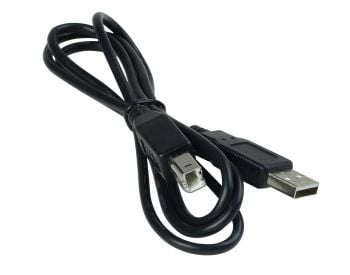
    • Hi, Thank you for contacting Printerbase. Unfortunately no the USB cable isn't included however we do sell them - https://www.printerbase.co.uk/usb-a-b-printer-cable-1-8m.html Please do let me know if you require any further information. Best Regards, Grace The Printerbase Team

      Mon Jan 09 2017

      Written by Grace Dale

  • My laptop does not have a disc input. Would I need to put this printer on my laptop.

    Wed Jan 04 2017

    Written by Melanie

    • Hi Melanie, Thank you for your email. You can download the printer drivers direct from the Brother Solutions Centre - https://support.brother.com/g/b/downloadtop.aspx?c=gb&lang=en&prod=dcp1510_eu_as Therefore you don't need to use the CD. I hope this helps. Best Regards, Grace The Printerbase Team

      Mon Jan 09 2017

      Written by Grace Dale

icon

Need help?

Speak with one of our technical gurus Bob or Chris 0161 308 5800

call for help