10% Off Inks, Toners, Tapes, Labels & Paper With Printer - Code: CONS10
Thumbs up icon

Rated 4.8 out of 5 on Trustpilot

Headset icon

Need help or advice? Call 0161 308 5800

Offline mode
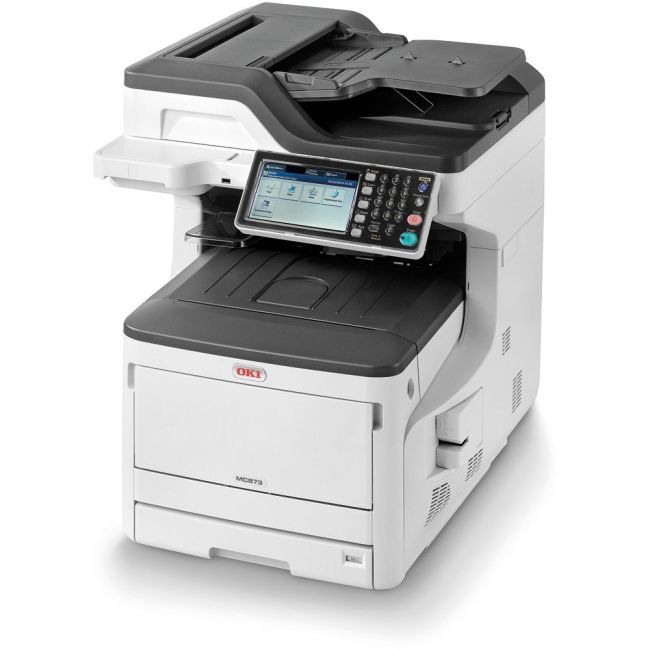
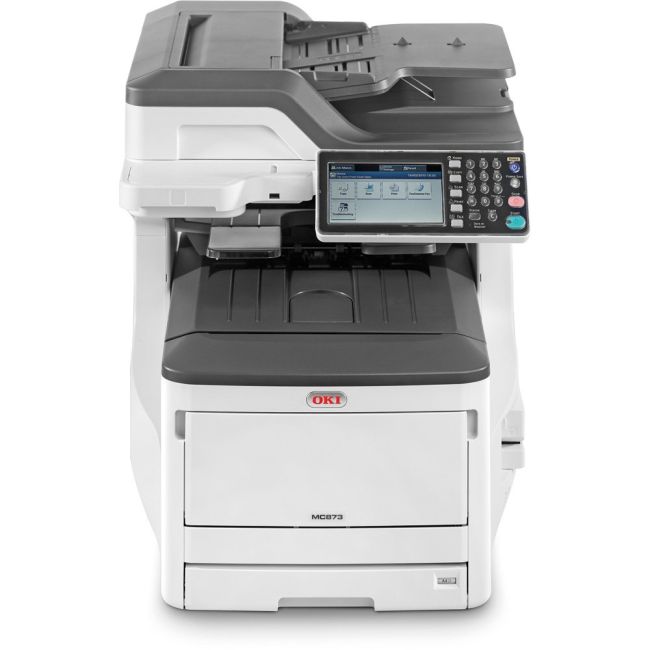
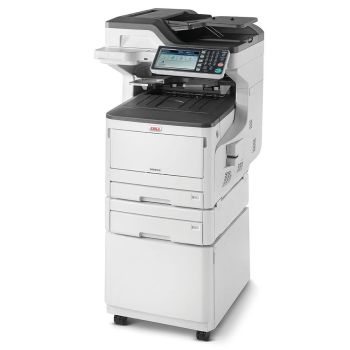
Oki MC873dn A3 Colour Laser Multifunction Printer

Oki MC873dn A3 Colour Laser Multifunction Printer - DISCONTINUED

Part No: 45850623

  • Print / Scan / Copy / Fax
  • First page out in 9.5 seconds
  • 600 x 600dpi Print Resolution
  • Up to 35 PPM in Mono and 20 PPM in Colour Print Speed
The Oki MC873dn is now discontinued and has been replaced by the Oki MC883dn
VIEW REPLACEMENT
Product Spec
Memory:
1.26 GB
Processor Speed:
800 Mhz
Hard Drive Size:
250 GB
Display Screen:
7 inch Touchscreen LCD Display
Disc Printing:
No
Dimensions W x D x H:
700 x 563 x 600 mm
Weight (Kg):
64
Max Paper Weight:
256gsm
Emulation:
PostScript3(Emulation), PCL5e, PCL6(XL), EPSON FX, IBM ProPrinter, XPS, PDF(v1.7)
Borderless Printing:
No
Fax Speed:
33.6kbps
ADF:
100 Sheet
Multi-Purpose Tray:
100 Sheet
Input Capacity:
400 Sheet
Paper Handling Output:
250 Sheet
Mono or Colour:
Colour
Duplex Scan:
No
Scan DPI:
600 x 600
Barcode Printing:
No
Functions:
Print/Scan/Copy
GTIN:
05031713065142
BarCode:
5031713065142
Print From:
AirPrint, Google Cloud Print, Mobile
Print Speed:
35
Double Sided:
Print, Print/Scan/Copy
Compatibility:
Mac, Windows
Connectivity:
Network, USB
Printer Type:
Laser/LED
Max Paper Size:
A4
Print DPI:
1200 x 1200
Pages Per Min Mono:
35 PPM
Pages Per Min Colour:
35 PPM
First Page Out (Seconds):
9.5
Manufacturer:
Oki
Product Description

Oki MC873dn

The OKI MC873dn A3 Colour Laser Multifunction Printer is a powerful, feature-packed device that gives busy workgroups the ability to print, copy, scan and fax two-sided from one device. This OKI MFP offers an exceptional print quality on a wide range of media, from A6 to 1.3m long banners up to 256gsm, along with great speeds of up to 35 pages per minute. An excellent feature-packed device ready for any job in your office.

Advanced Functionality and Versatility

This network-ready MC873dn has a maximum paper capacity of 400 sheets thanks to the multi-purpose tray so you're office will be ready for any job. This fantastic device also has a customisable 7-inch LCD touchscreen making it easy to use, while the optional ultra-high capacity ink toners will reduce your total cost of ownership.

  • Dimensions: (H) 700 x (W) 563 x (D) 600mm - 64Kg
  • 3 Year Manufacturer Warranty
  • Compatible with Windows, Mac and Linux
  • What's in the box
    • OKI MC873dn Colour MFP Printer
    • Drivers and User Manuals CD/DVD
    • Setup Guide
    • Fax Line Cable (UK)
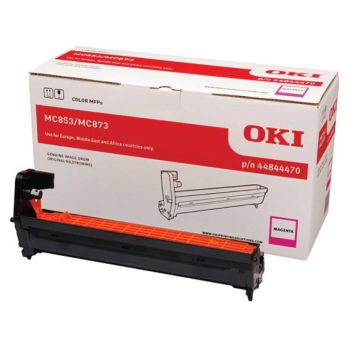
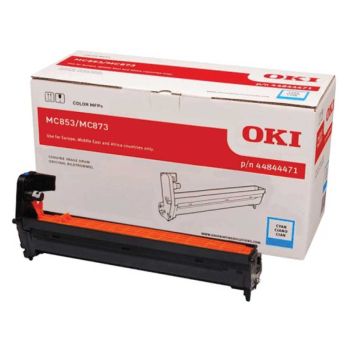
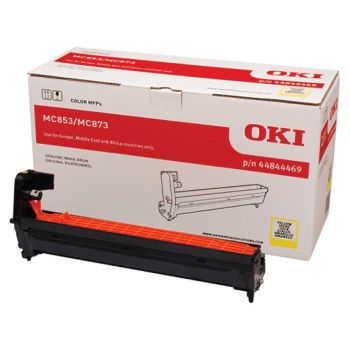
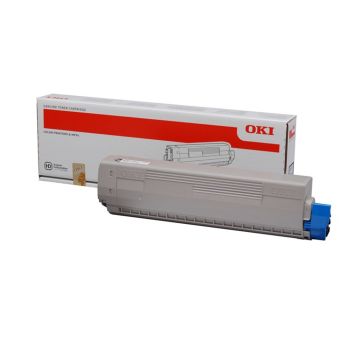
    • Image Drums and CMYK Starter Toners (2500)
    • AC Cable (UK)
    Reviews

    0.001 reviews

    • Quality

      29/12/2015

      Large colour touch display enables ease of use and offers a continuous guidance for all features. The best thing I liked here is a macros. Whatever you do, if you think that the current settings worth memorising, just hit the macros tab, store and name current settings to be able to recall it any time. You can rearrange the home screen and add your macros there, so all your features at the finger tips. Web interface and Configuration tool makes it easy to adjust any system settings from the computer or tablet. Sendys Explorer, available for free, enables to manage your scanned and received documents and allows to connect to your cloud account (paid plugin is required for that) and use it for storage of any documents right from the MFP's touch screen as well as from your mobile devices.

    Delivery Information

    Free next business day delivery on all orders over £36

    Terms & Conditions

    • Resellers: We only sell goods to end users whether that is a private user or a business user. We reserve the right to cancel orders that we believe have been purchased for the purpose of resale. This includes but is not limited to any individual or business who are managed print providers, IT resellers, Amazon sellers or eBay sellers who do not qualify as end users.
    • Free Next Business Day Delivery on all orders over £30 ex VAT / £36 inc VAT.
    • For all orders under £30 ex VAT / £36 inc VAT there is a £4.95 ex VAT delivery charge.
    • Next Business Day Delivery only includes orders being shipped to mainland Great Britain.
    • Delivers to AB postcode area, the higher parts of Scotland and Scottish Isles may be a 'Two Day' service and not 'Next Day'
    • Next Business Day Delivery is available for all orders placed before 4.30pm Monday to Friday. Orders placed after 4.30pm on Friday or at the weekend will be processed on the next business day (see delivery estimates).
    • Our standard delivery service is a one man to the ground floor service - customer assistance may be required. Non ground floor deliveries may require a two man delivery and/or on-site installation. Please call our sales team for more information on 0161 308 5800.
    • All public holidays and bank holidays are classed as non-business days.
    • Whilst we will endeavour to ensure your order is sent on a next business day service we can not be held responsible for delays incurred by our couriers or delays due to bad weather or any other circumstance that is beyond our control.
    • For all orders going to Northern Ireland there is a £25.00 ex VAT delivery charge and this can take 2-3 business days.
    • For deliveries to other areas including Isle of Man, Scottish Islands and Channel Islands please contact us for a quote.
    Order PlacedExpected Delivery Date
    Monday before 4:30pmTuesday
    Tuesday before 4:30pmWednesday
    Wednesday before 4:30pmThursday
    Thursday before 4:30pmFriday
    Friday before 4:30pmMonday
    SaturdayTuesday
    SundayTuesday
    Questions & Answers
    • How to check the toner cartridge level

      Tue Jan 03 2023

      Written by Joshua Stewart

      • Hi Joshua, Thanks for the question. To check the toner levels on the printer you need to go to the printers display menu and click on Menu > Configurations > Supplies Life and this will show the life of the remaining toner / drum cartridges. If you have any issues then give the Oki support team a call on 0208 219 2190 Many Thanks The Printerbase Team

        Tue Jan 03 2023

        Written by Simon Green (Admin)

    icon

    Need help?

    Speak with one of our technical gurus Bob or Chris 0161 308 5800

    call for help