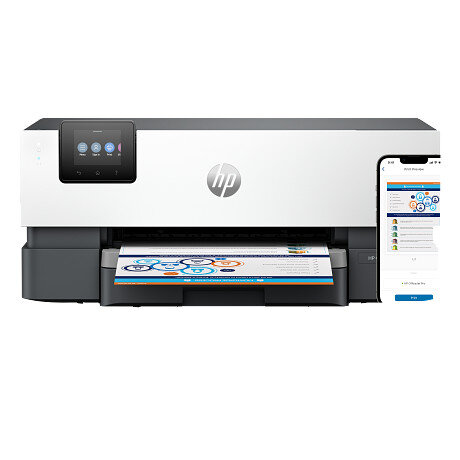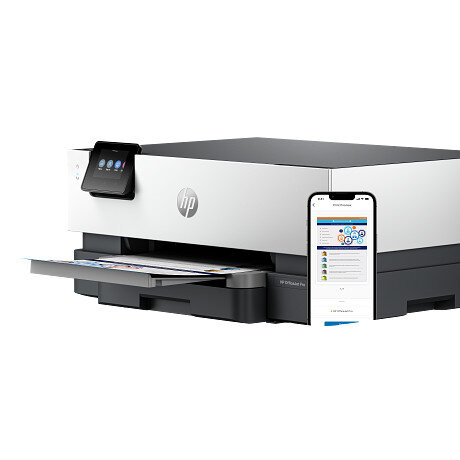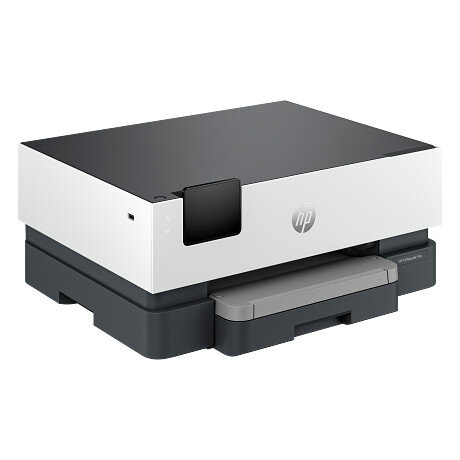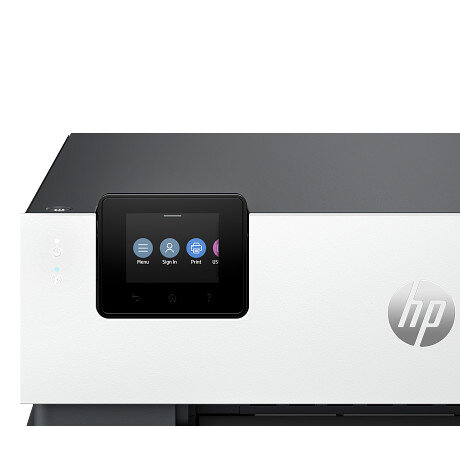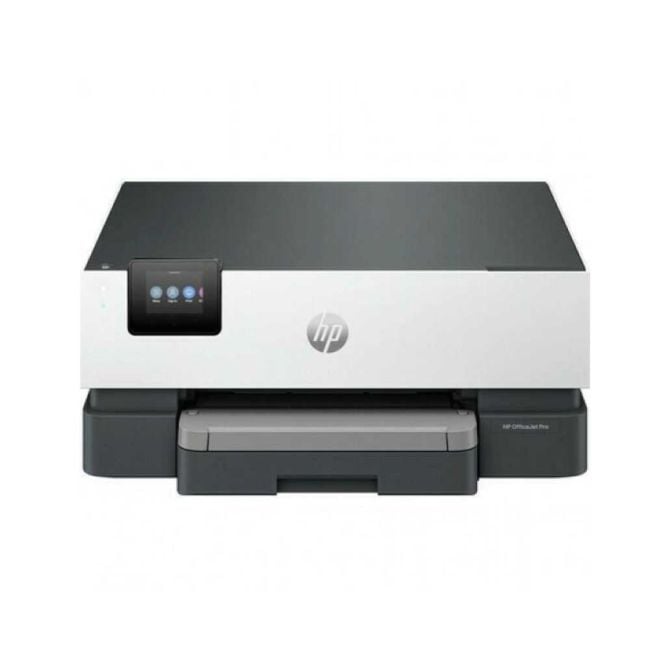
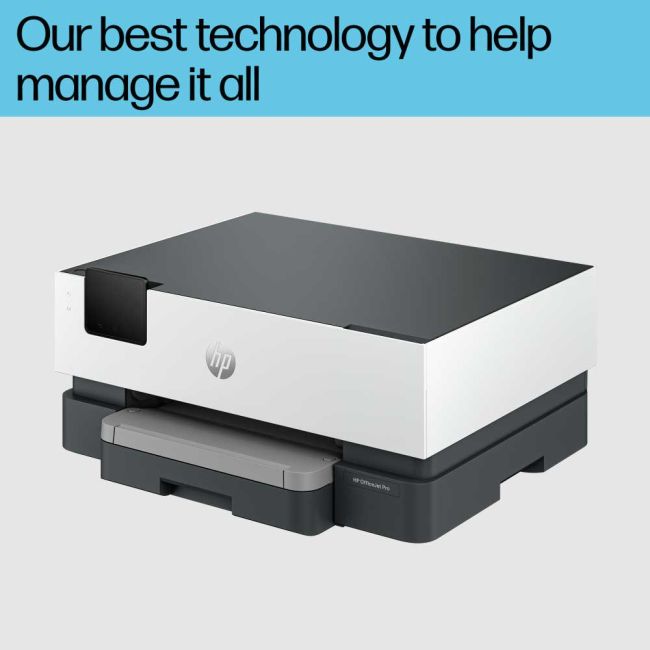
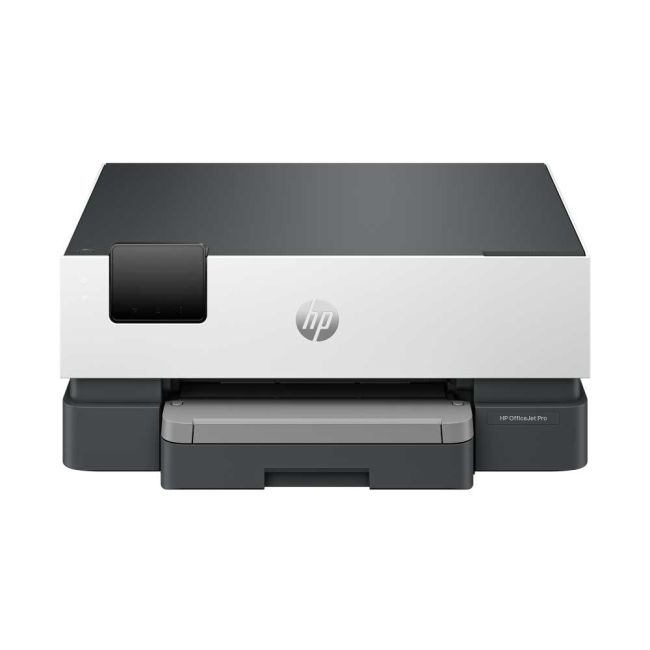

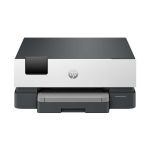
HP OfficeJet Pro 9110b A4 Colour Inkjet Printer
Part No: 5A0S3BPromotions

Free 3 Year Warranty
+Expand to see specifications
| Functions | |
|---|---|
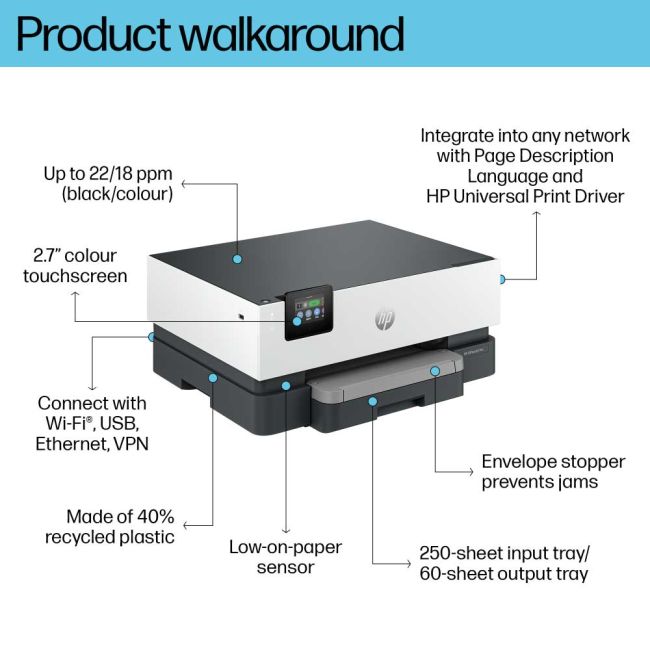
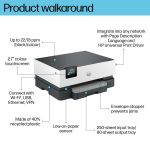
| Print speed black (ISO) | Up to 22 ppm |
| Print speed black (draft, A4) | Up to 32 ppm |
| Print speed black (ISO, A4) | Up to 22 ppm |
| Print speed black (best, A4) | Up to 5ppm |
| Print speed color (ISO) | Up to 18 ppm |
| Print speed color (draft, A4) | Up to 32 ppm |
| First page out black (A4, ready) | As fast as 12 sec3 |
| First page out color (A4, ready) | As fast as 13 sec3 |
| Duty cycle (monthly, letter) | Up to 25,000 pages4 ( Duty cycle is the maximum number of pages that can be printed in a month, but this page volume is not recommended on an ongoing basis. ) |
| Duty cycle (monthly, A4) | Up to 25,000 pages4 ( Duty cycle is the maximum number of pages that can be printed in a month, but this page volume is not recommended on an ongoing basis. ) |
| Recommended monthly page volume | Up to 1500 ( HP recommends the number of pages printed not exceed the recommended monthly page volume for optimum device performance. ) |
| Print quality black (best) | 1200 x 1200 rendered dpi |
| Print quality color (best) | Up to 4800 x 1200 optimized dpi on HP Advance Photo Paper 1200 x 1200 dpi input |
| Print languages | HP PCL6, PCL5, native PDF, HP Postscript |
| Print technology | HP Thermal Inkjet |
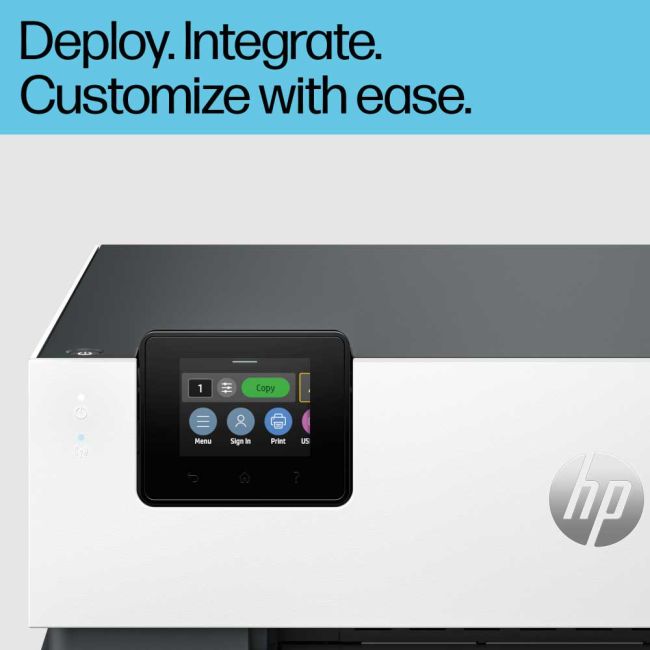
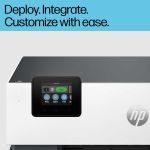
| Display | 2.7" (6.86 cm) Capacitive Touchscreen CGD |
| Processor speed | 1.2GHz |
| Duplex printing | Automatic (standard) |
| Paper handling input, standard | 250-sheet input tray |
| Paper handling output, standard | 60-sheet output tray |
| Finished output handling | Sheet Feed |
| Media types | Plain Paper, HP Photo Papers, HP Matte Brochure or Professional Paper, HP Matte Presentation Paper, HP Glossy Brochure or Professional Paper, Other Photo Inkjet Papers, Other Matte Inkjet Papers, Other Glossy Inkjet Papers, Thick Plain Paper, Light/Recycled Plain Paper, HP Tri-fold Brochure Paper, Glossy |
| Media sizes supported |
A4, A5, A6, B5(JIS), Card (A4, Hagaki) Photo (13 x 18 cm, 10 x 15 cm) Envelope (A2, C5, C6, DL. Chou #3, Chou #4) 8.5 x 13 in |
| Media sizes, custom | Tray 1: 76.2 x 127 to 215.9 x 355.6 mm |
| Borderless printing | Yes, on photo paper only, up to 8.5 x 11 in (US letter), 210 x 297 mm (A4) |
| Media weight, recommended |
60 to 105 g/m² (plain) 220 to 280 g/m² (photo) 75 to 90 g/m² (envelope) 163 to 200 g/m² (card) |
| Connectivity, standard |
1 Ethernet 1 Hi-Speed USB 2.0 (device) 1 Hi-Speed USB 2.0 (host) 1 Wi-Fi 802.11 a/b/g/n/ac (dual band) |
| Mobile printing capability |
Apple AirPrint™ Wi-Fi® Direct Printing Mopria™ certified5 |
| Network capabilities |
Yes, via built-in Ethernet Wireless 802.11 a/b/g/n/ac |
| Wireless capability | Yes, with built-in dual-band Wi-Fi 802.11 a/b/g/n/ac and a self-heal solution |
| Wireless technologies | 802.11a/b/g/n/ac 1x1 (2.4/5GHz) with BLE |
| Minimum System Requirements for Macintosh |
macOS v11 Big Sur macOS v12 Monterey macOS v13 Ventura 2 GB HD, Internet required |
| Minimum System Requirements |
Microsoft® Windows® 11, 10: 32-bit or 64-bit, 2 GB available hard disk space, Internet connection, Microsoft® Internet Explorer or Edge, macOS 11 Big Sur macOS 12 Monterey macOS 13 Ventura 2 GB HD, Internet required |
| Compatible Operating Systems |
Windows 11 Windows 10 Windows Server macOS 11 Big Sur macOS 12 Monterey macOS 13 Ventura macOS 14 Sonoma macOS 15 Sequoia Linux Chrome OS ( Windows Server 2016 64-bit, Windows Server 2019 64-bit, Windows Server 2022 64-bit, linux (for more information see http://developers.hp.com/hp-linux-imaging-and-printing) ) |
| Maximum Memory | 512 MB DDR3 |
| Memory | 512 MB |
| Faxing | No |
| Power consumption | 3.49 watts (ready), 1.16 watts (sleep), 0.13 watts (manual-off)6 |
| Power | Input voltage: 100 to 240 VAC (+/- 10%), 50/60 Hz. |
| Operating humidity range | 20 to 80% RH |
| Recommended operating humidity range | 25 to 75% RH |
| Operating temperature range | 5 to 40ºC |
| Blue Angel compliant | Yes, Blue Angel DE-UZ 219—only ensured when using Original HP supplies |
| Energy savings feature technology | HP Auto-On/Auto-Off Technology |
| Ecolabels |
IT ECO Declaration EPEAT® registered ENERGY STAR® certified |
| Sustainability specifications | Recyclable through HP Planet Partners |
| Energy star certified | No |
| Product logos |
Energy Star USB Hi-Speed Certified "Works with Windows 10" logo "Wireless Print" AirPrint™ Ethernet 2-sided print 4 individual inks Mopria™-certified, WiFi certified, Download on the App Store, Get it on Google Play, Get it from Microsoft, Bluetooth Smart |
| Safety |
IEC 60950-1:2005 +A1:2009 +A2:2013 IEC 62368-1:2014 EN 62368-1:2014 +A11:2017 IEC 62368-1:2018 EN IEC 62368-1:2020, EN IEC 62368-1:2020/A11:2020 EN 62311:2008 EN 62479:2010 |
| Security management |
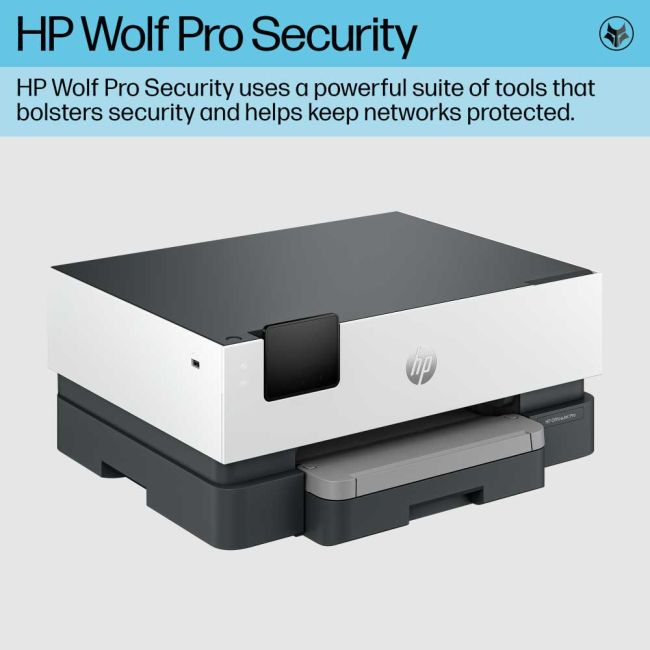
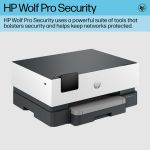
SSL/TLS (HTTPS) IPP over TLS WPA2-Enterprise WPA2-Personal WPA3 Certificates configuration Password protect EWS Signed firmware |
| Dimensions (W x D x H) | 439 x 342.5 x 195.6 mm (Minimum Storage Mode)7 |
| Maximum dimensions (W x D x H) | 439 x 519.8 x 195.6 mm (Output Tray Extend) |
| Weight | ~6.15 kg |
| Product color | Cement |
| What's in the box |
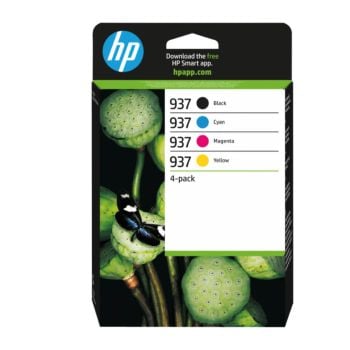
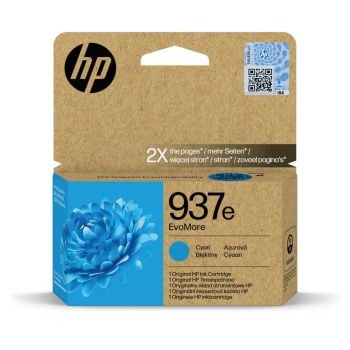
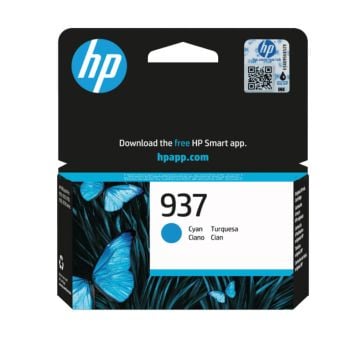
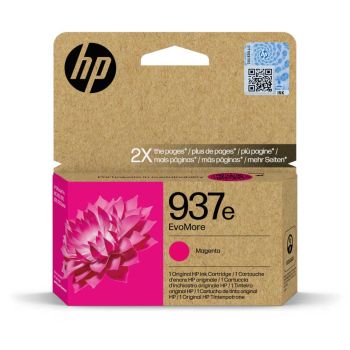
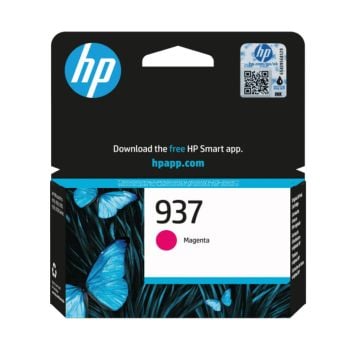
HP OfficeJet Pro 9110b Printer HP 937 Setup Black Ink Cartridge (~800 pages) HP 937 Setup Cyan Ink Cartridge (~420 pages) HP 937 Setup Magenta Ink Cartridge (~420 pages) HP 937 Setup Yellow Ink Cartridge (~420 pages). Regulatory Flyer Ink Caution Flyer Power Cord Setup Poster Reference Guide. Actual yield varies considerably based on content of printed pages and other factors. For details, see https://www.hp.com/go/learnaboutsupplies |
| Print Cartridges/Bottle, Number | 4 (1 each black, cyan, magenta, yellow) |
| Replacement cartridges |
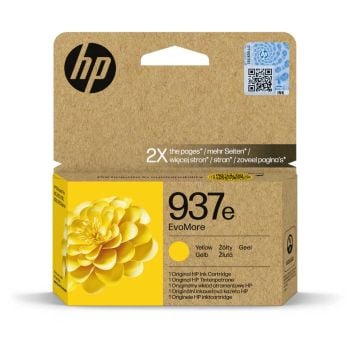
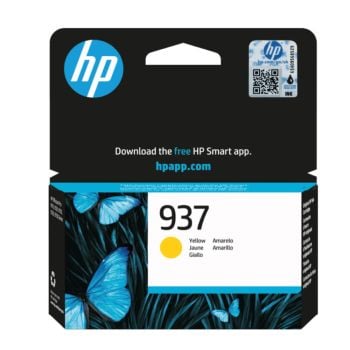
HP 937 Setup Black Ink Cartridge (~800 pages) HP 937 Setup Cyan Ink Cartridge (~420 pages) HP 937 Setup Magenta Ink Cartridge (~420 pages) HP 937 Setup Yellow Ink Cartridge (~420 pages). Actual yield varies considerably based on content of printed pages and other factors. For details, see https://www.hp.com/go/learnaboutsupplies |
| Manufacturer Warranty | Standard one-year HP commercial hardware warranty. Three-year HP commercial hardware warranty after registration within 60 days of purchase (see www.hp.com/eu/3yearwarranty). Warranty and support options vary by product, country and local legal requirements. |
| Acoustic power emissions (active, printing) | 6.7 B(A) (printing at 18ppm) |
| Acoustic pressure emissions | 60 dB(A) (printing at 18ppm) |
| Operating altitude | 3000 m |
| Package dimensions (W x D x H) | 487 x 283 x 409 mm |
| Electromagnetic compatibility |
CISPR 32:2015 / EN 55032:2015 Class B CISPR 24:2010 / EN 55024:2010 CISPR 35:2016 / EN 55035:2017+A11:2020 EN 61000-3-2:2014 / IEC 61000-3-2:2014 EN 61000-3-3:2013 / IEC 61000-3-3:2013 EN 301 489-1 V2.2.3 EN 301 489-17 V3.2.4 FCC CFR 47 Part 15 Class B ICES-003, Issue 7 Class B VCCI V-3:2015 |
| Ink types | Pigment-based (black and color) |
| Printer drivers included | Windows HP SUPD (PCL6, PS) , Linux, UNIX, SAP |
| Print head nozzles | Printhead nozzles=1568. Same for both Colours and Black. Total Print Head nozzles 6272 |
| Print heads | 4 (1 each black, cyan, magenta, yellow) |
| Software included | HP Printer Software |
| Storage temperature range | -40 to 60ºC |
| Package weight | 8.50 kg |
| Documents | HP OfficeJet Pro 9110b Printer |
- 1200 x 1200 DPI Print Resolution
- Up To 22 PPM In Mono & 18 PPM In Colour
- Automatic Double Sided Printing
- 250 Sheet Paper Tray
- USB, Network, Wireless & Apple AirPrint Connection

Order now for delivery on Tuesday
HP OfficeJet Pro 9110b A4 Colour Inkjet Printer
£84.50ex VAT£101.40inc VAT
Qty:
51 in stock